
Latest: OMG new page to make you iaptus superhuman, for more information read about our new task feature here.

User Activity

Table of contents

User Activity allows users to monitor all actions against the selected referral.
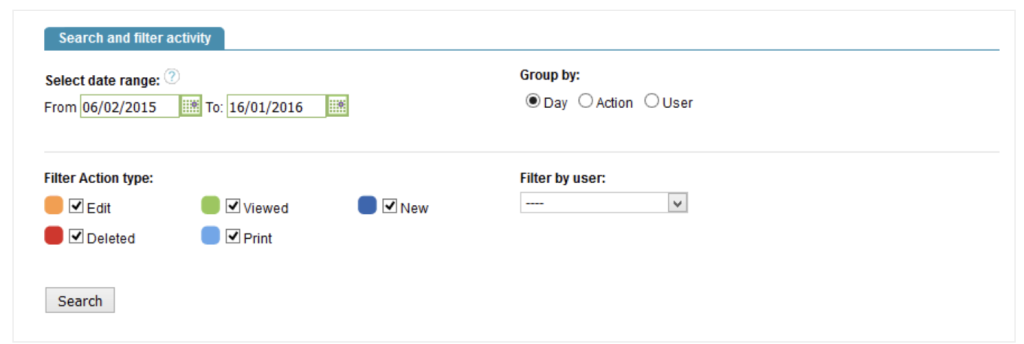
You can filter by any of the following:

  • Date range of the action
  • Action type
  • User who completed the action (Note: only users who have had activity on the patient record will be shown here.

Click Search to view your results. Searches are limited to 10 records initially, then more can be loaded by selecting Click to load more results.

The system records a lot of activity against each referral so we recommend that you try to limit your search where possible. This will make it easier to find the information you are searching for.

Related posts
Adding a new clinical contact

In the Clinical Contact Tab you are able to add and view details about contacts you have had with the patient for the referral you

Creating a New Group

To create a new group, click the ‘Create a new group’ option in the Groups icon. iaptus will ask you to select a group template;

Employment Advisors

This guide is going to show you how to use the Employment Advisors areas of iaptus. The update to IAPT MDS v2 in June 2019

Table of contents