
Standard search will open as a default when Find Patients is opened. This allows users to quickly find patient ands referrals.
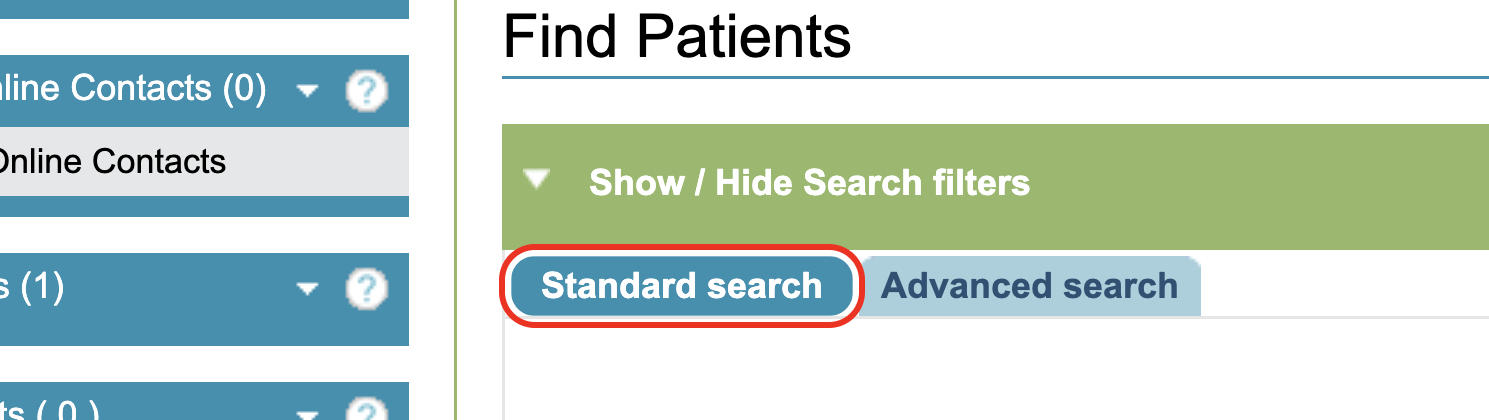
To add a filter tick, select or start typing in the options provided next to the filter.
Filters
Patient demographic filters
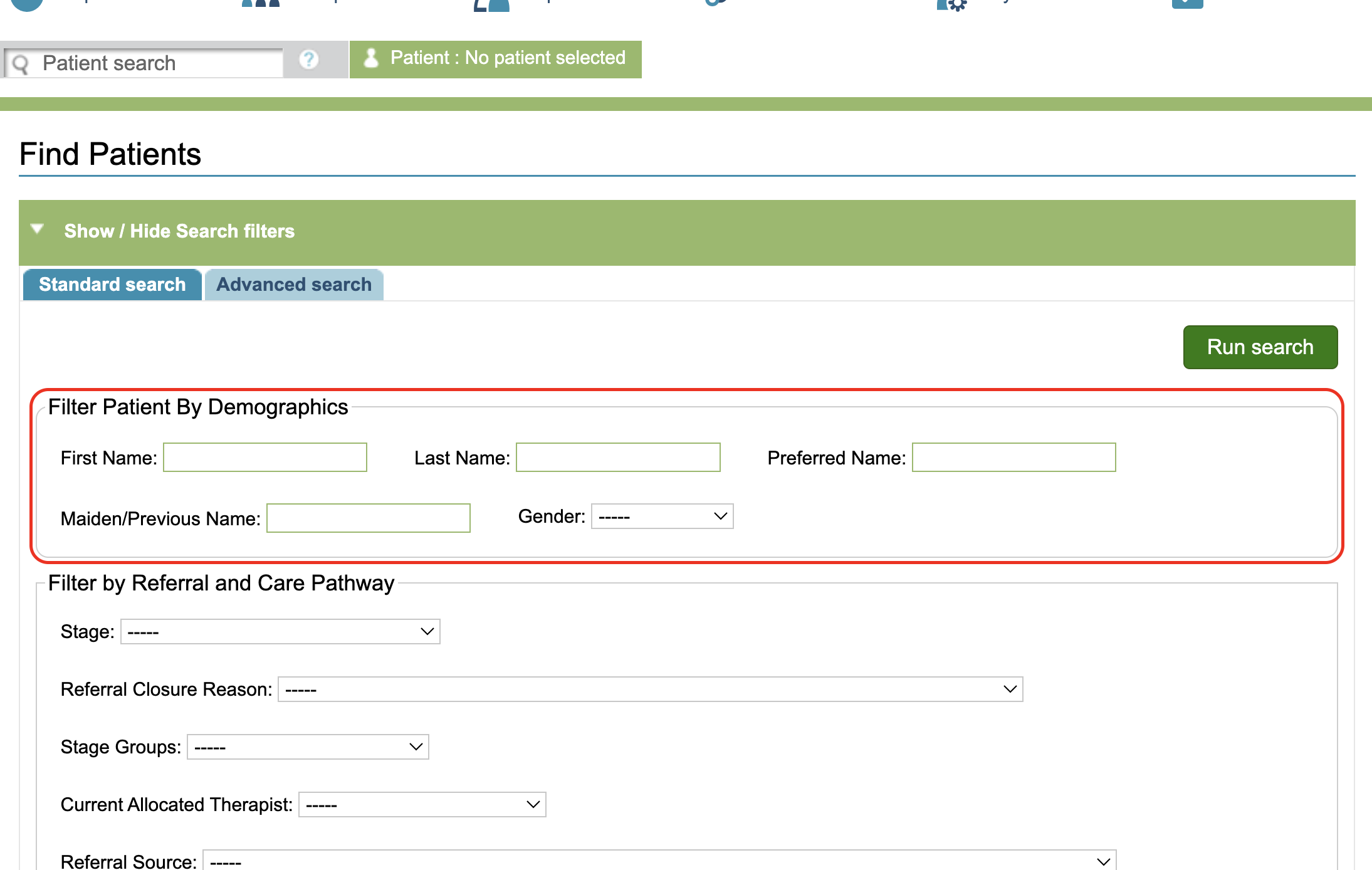
Patient Demographic filters include:
- First Name
- Last Name
- Preferred Name
- Maiden/Previous Names
- Gender
Referral and Care Pathway filters
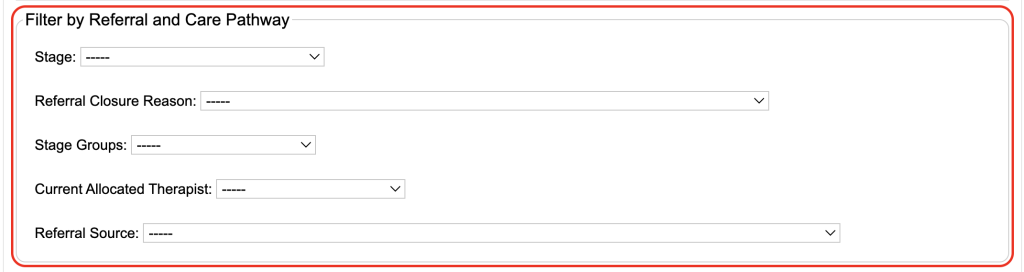
Care Pathway filters include:
- Stage
- Referral Closure Reason
- Stage Groups (if created in the Superuser menu),
- Current Allocated Therapist and Referral Source
GP Practice filters
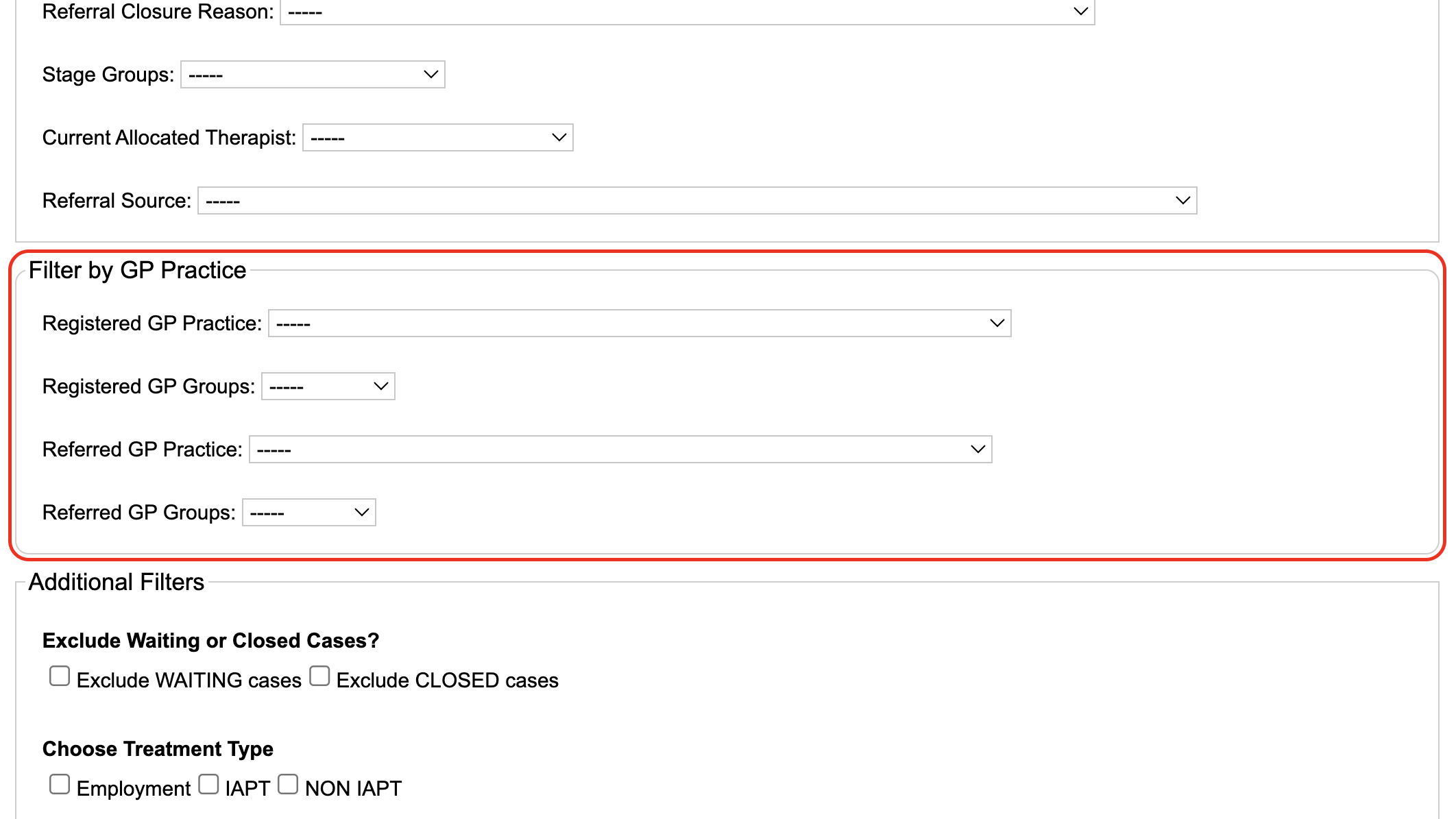
GP Practice Filters include:
- Registered GP
- Registered GP Groups
- Referral GP
- Referral GP Groups
Practice groups can be created by a Superuser.
Additional Filters
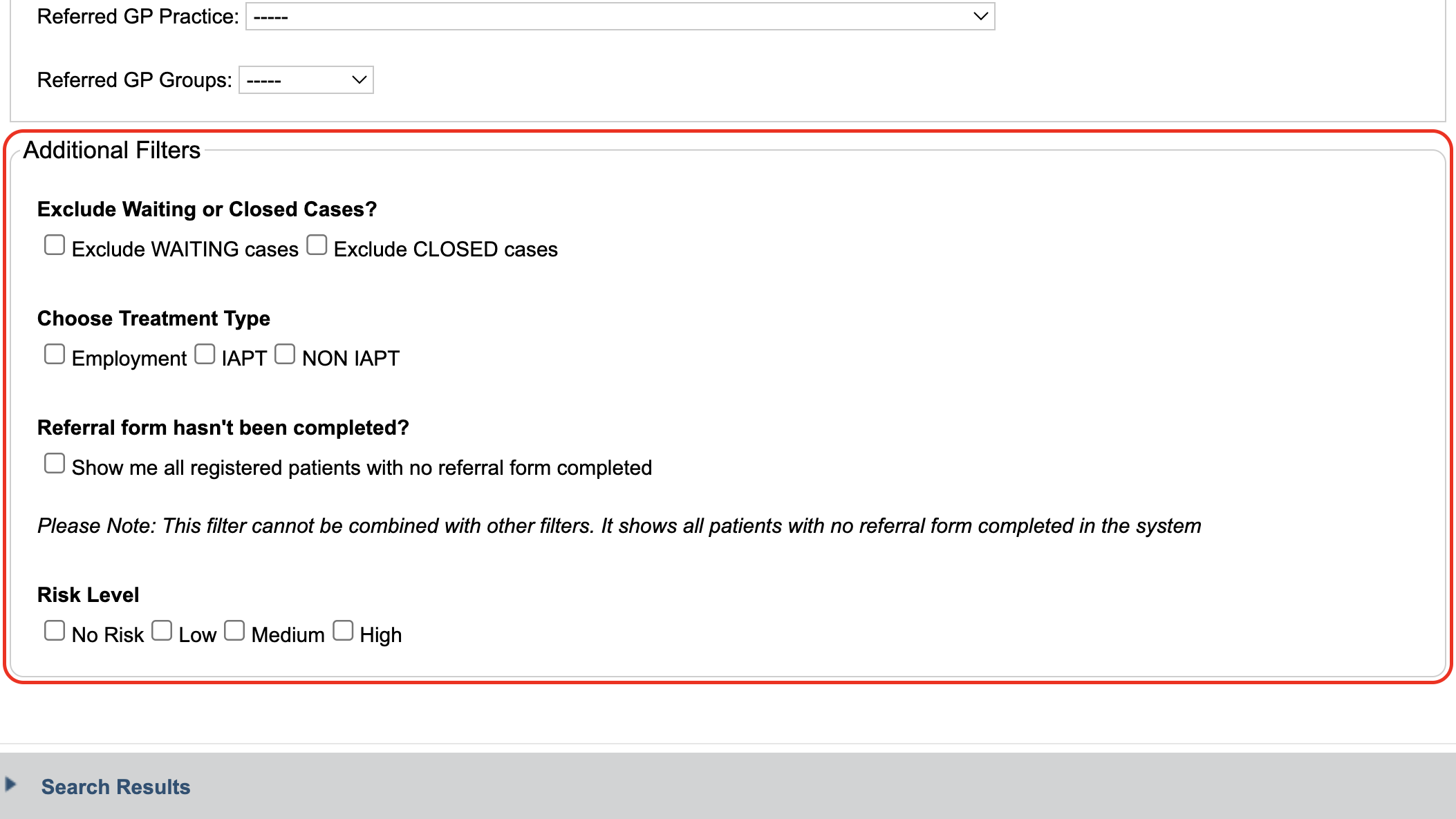
In Additional Filters you can:
- Exclude Waiting Cases (Exclude all referrals currently in a wait list stage in the Care Pathway)
- Closed Cases Exclude (all referrals discharged via the care pathway)
- Search for patients based on their Treatment Type
- Find patient records where a referral form hasn’t been completed; patient registration form completed only. (Please Note: This filter cannot be combined with other filters.)
- Find patients based on the recorded risk level
Using the Filters
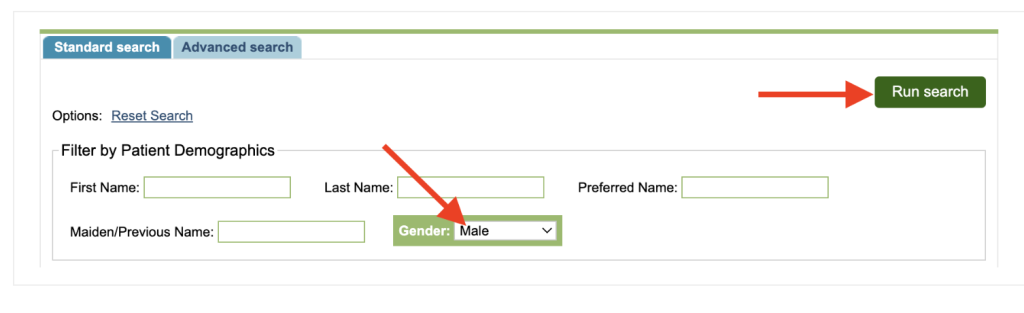
The filters can be used on their own, or combined to further restrict the results. Once selected, click Run search.
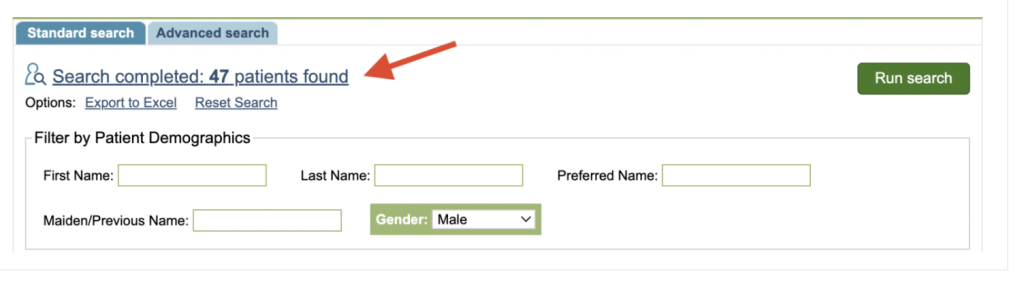
The number of patients found will show at the top as a hyperlink.
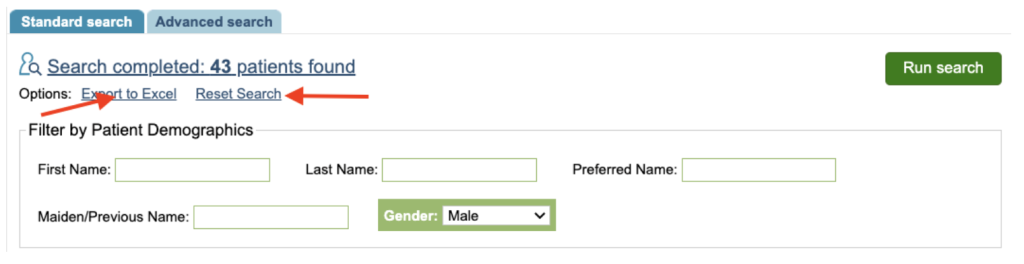
You can reset the search or export the results to Excel.
To see which patients are included in the search, click on the search results link.
Please see Search Results for viewing your queries results.