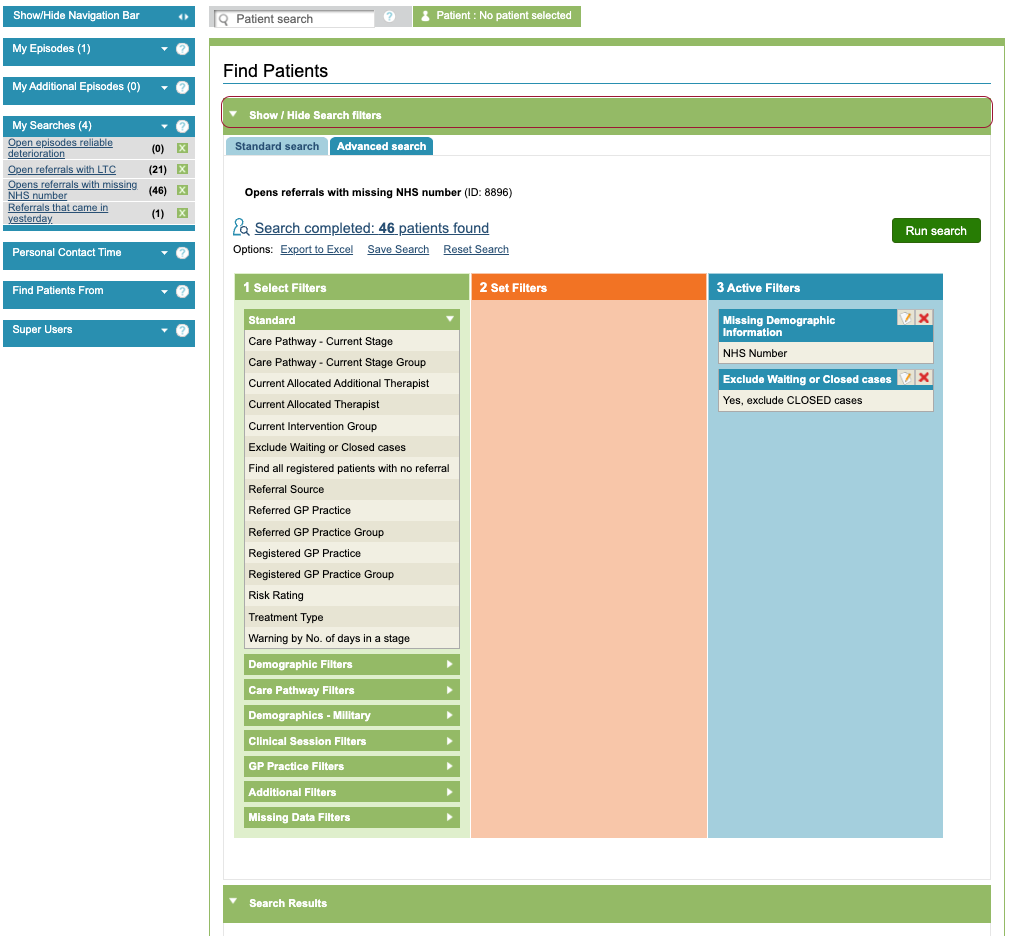
Once a search has been saved, the results can be viewed by clicking on the title of search. The records included in the search will then be displayed.
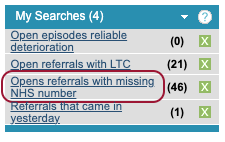
The Find Patients Search Results table will open and display details of all the patients and referrals which meet the search criteria.
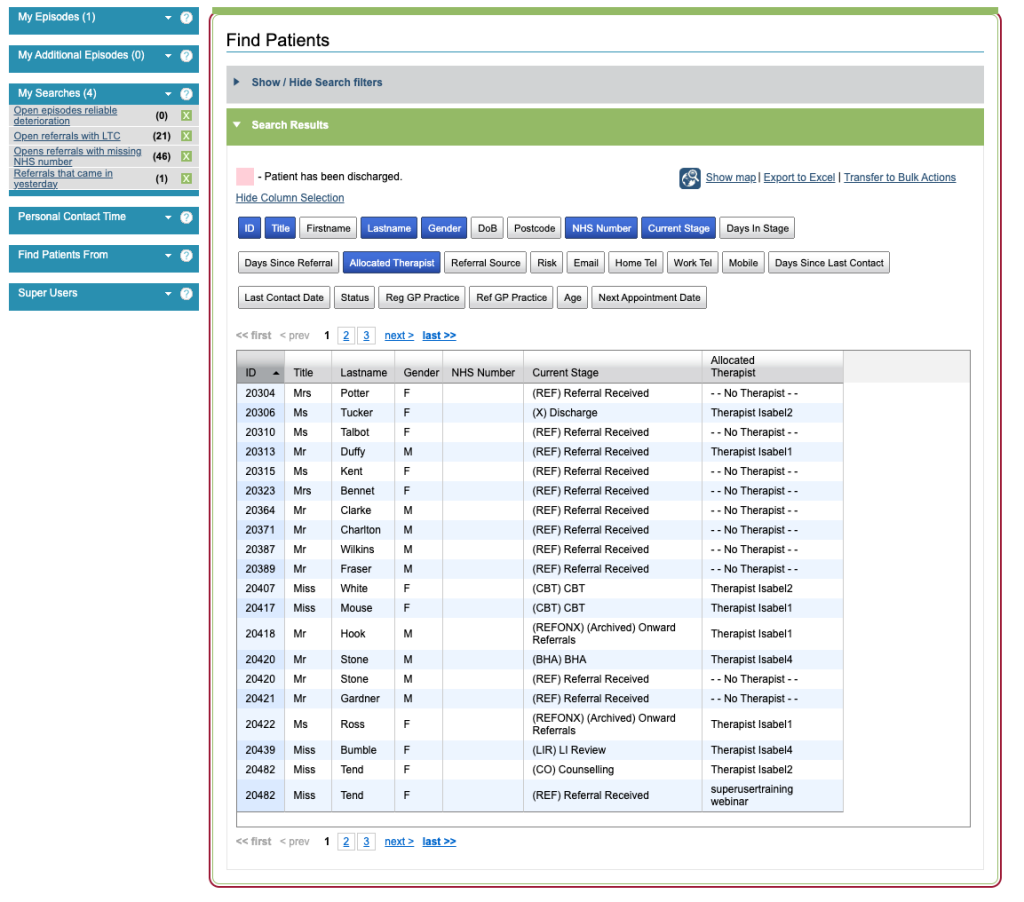
You can choose which information displays in the table by clicking on the options within Column Selection; the items in blue will be displayed and the items in grey are not selected. You can also show the map of the patients postcodes, export the results to Excel or transfer the results to Bulk Actions.
If you wish to view or amend the filters, you can expand the ‘Show / Hide Search filters’ section which will take you to the Find Patients: Advanced view.