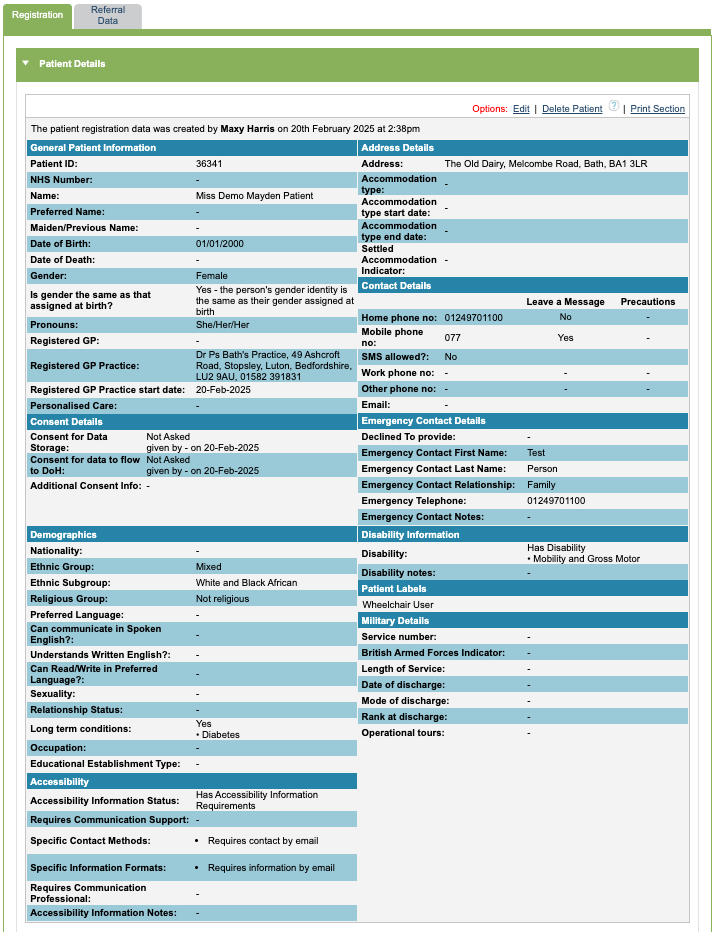
Patient details
When you have a patient record selected, you will be able to see the boarding card which displays key information with the patient’s names and iaptus ID will be shown.
You can choose to show or hide the rest of the details.

The ‘Patient Details’ section will show you the information that has been recorded when completing the patient registration form. If you wish to edit this information, slick the ‘Edit’ option. A Superuser can only delete a patient record providing that there is no associated referral or treatment information attached to the patient record.
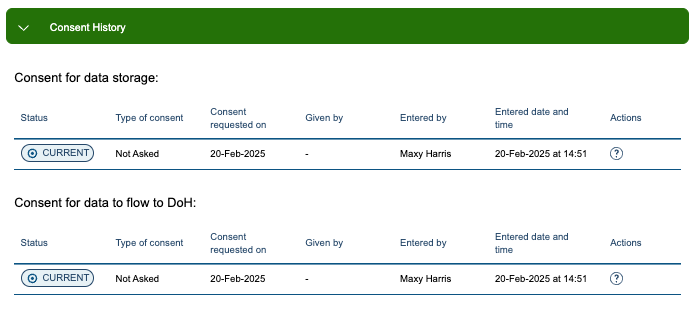
Consent History
This section will show the current and any previous information recorded about a patient’s consent.
Patient Lock Status
This will show you if the patient recorded is locked or unlocked. To lock or unlock a patient record, amend the information by editing the patient’s record.

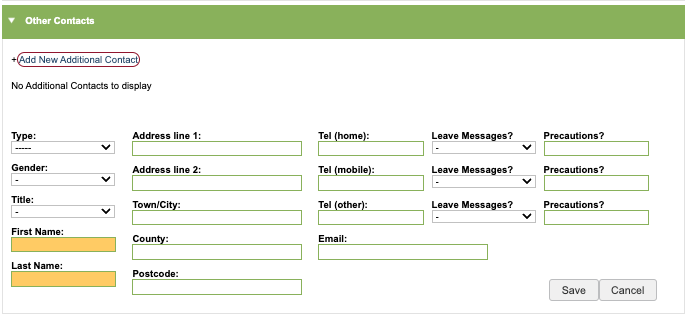
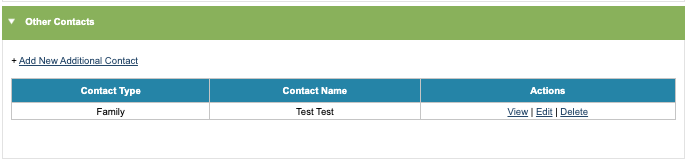
Other Contacts
‘Other Contacts’ allows you to add and save associated person details to the patient’s record. Please be aware these are not emergency contacts.
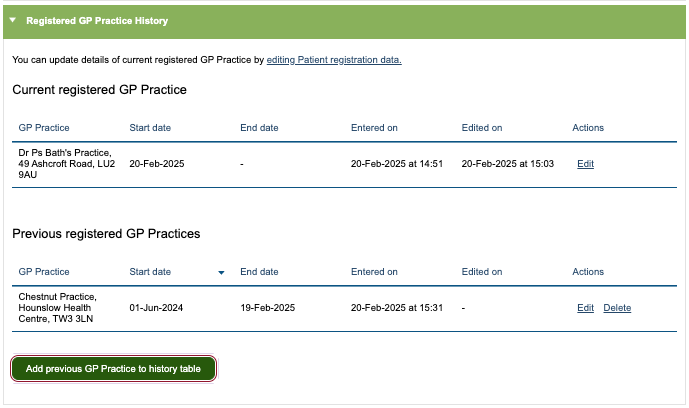
Registered GP Practice History
Registered GP Practice details show you current and previous registered GP practices. There is a quick add option to add a previous GP Practice if you need to.
Previous Names & Addresses
Previous Names and Addresses will show any previous versions of the patient’s name or address.

General Non-Clinical Notes
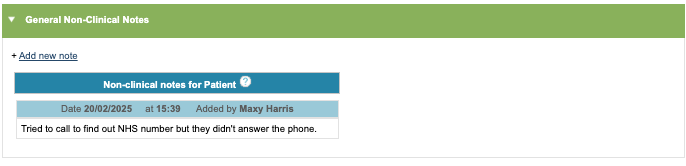
General non-clinical notes allows users to add notes associated with the patient but are not about the treatment or support they are receiving in sessions provided from your service.