
The Opt In function allows you to record the date a patient chooses to be considered for treatment, if your service wishes you to. This is against the specific episode you have selected.
Recording a patient opt in date
You can record this either by using the ‘Patient Opt In Date’ function in the Care Pathway tab, or via the quick actions on the boarding card.

Recording via the boarding card
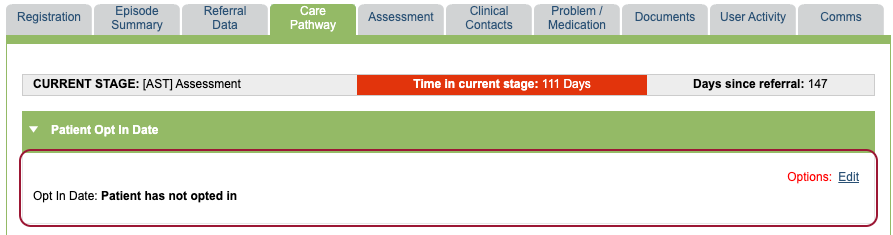
If a patient’s opt in date hasn’t yet been captured, you will see the Opt in Today button on the boarding card. Clicking this will record the opt in date as today and update in the patient opt in section in the Care Pathway tab.
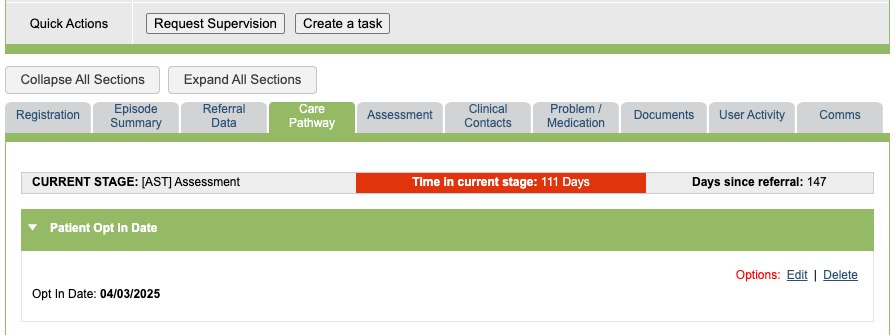
The Opt In Today button will then disappear from the boarding card.

Recording via the Care Pathway tab
Alternatively, click Edit within the Patient Opt In Date section and choose a date.


Editing a patient opt in date
You can edit the opt in date using the Edit button in the Care Pathway section.

Deleting a patient opt in date
You can delete a recorded opt in date by selecting the delete option within the Care Pathway section.
