
If you want to add a note about the patient, but it is not a clinical note, you have the option to do this via the General Non-Clinical Notes area.
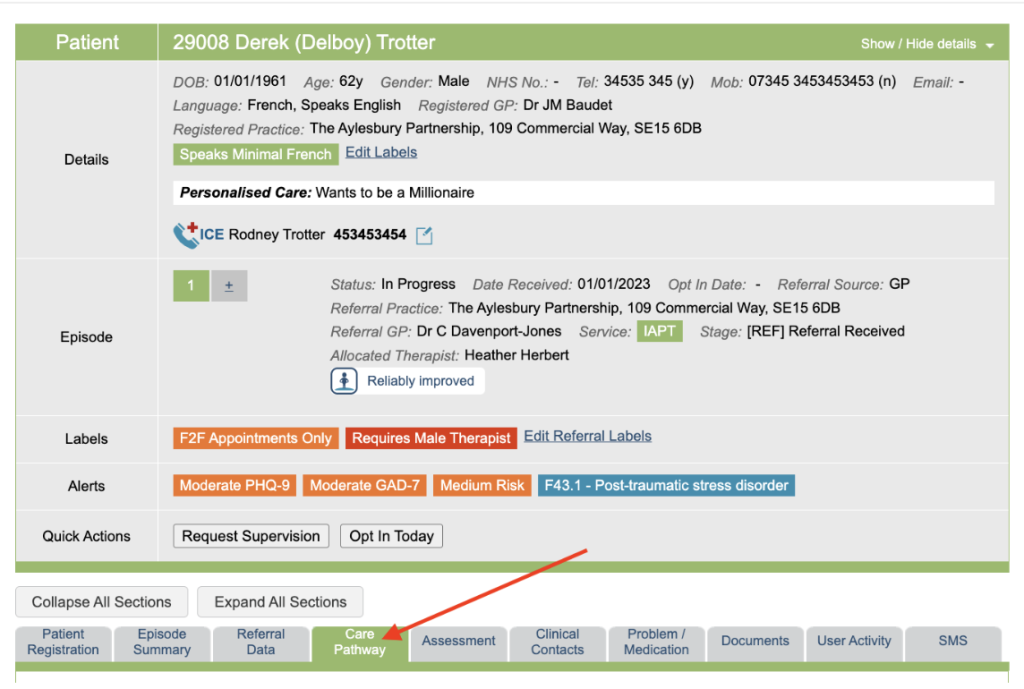

The option to add non-clinical notes can be found in several areas of the patient tabs, and will display the same information in each:
- Patient Registration Tab
- Episode Summary Tab
- Care Pathway Tab
- Clinical Contacts Tab
If you wish to add a new note, press the ‘Add New Note’ link. This will bring up a free text area where you can add your information.

You then have the option to save this as a patient note, or as a referral note:
- A patient note will always be displayed for this patient.
- A referral note will only display for the referral you currently have selected in the Boarding Card.
Once your note is saved, each type of note will display in a different area.
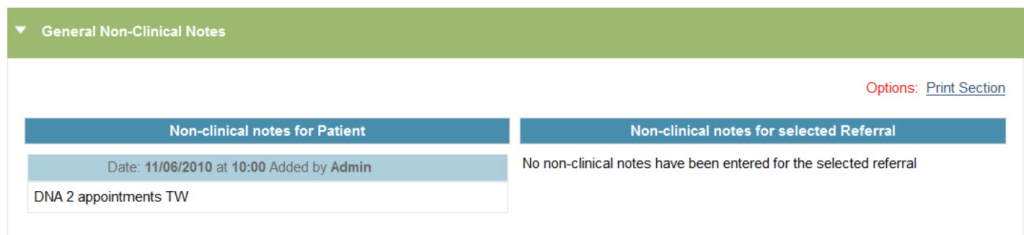
Typically, Non-Clinical Notes can be deleted within 48 hours by it’s creator. After this period, only superusers are able to delete notes.