
Here, you can view and update your profile.
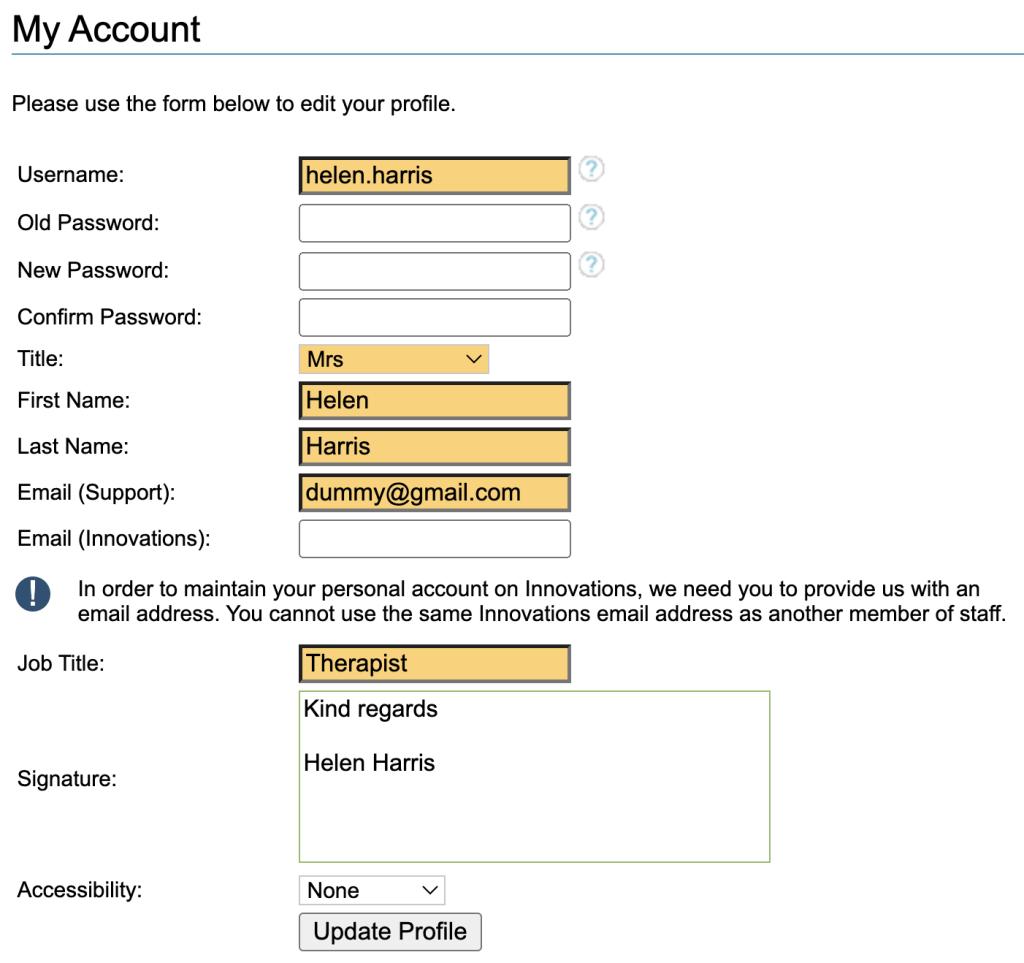
Some of these details will have already been set up for you when your user account was created.
If you are unsure of any fields, or feel that options are missing in dropdown menus, please contact your superuser.
Fields in orange are mandatory.
Changing you password
Type you Old Password in the box provided.
Type in a New Password and confirm. Valid passwords may contain letters, special characters and numbers with at least one number and one letter and must be 8-22 characters in length. You are not allowed to choose a password in the banned list of easy to guess passwords and you will be unable to choose a password that has been used previously.
Name Details
Check that your Title, First Name and Last Name is correct, as this maybe used to populate Letter or SMS Templates
Emails
Check that your email address is correct for support and add one, if you wish to use this feature, under innovations, . These will be used for receiving updates on any support logs or innovations that you raise.
Job Title
This should contain your official Job Title as this may be used to populate Letter or SMS Templates.
Signature
This is a text only box and may be used in Letters and SMS template.
Accessibility
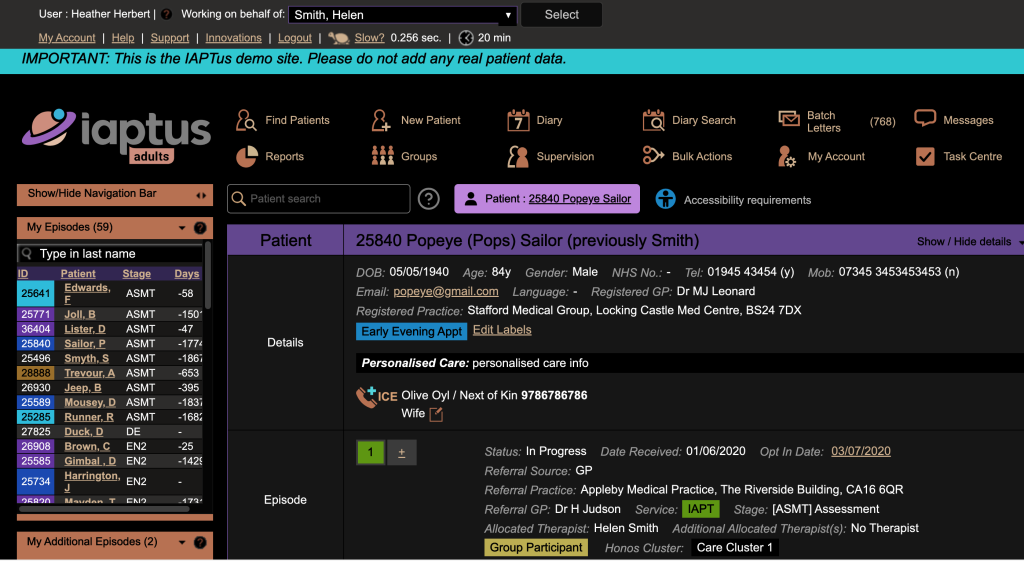
Accessibility allows you to switch over to a Dark Mode
Whenever you update your user details, remember to click Update Profile to save.