

iaptus has a built in basic messaging function to send internal messages to anyone in your service who has an iaptus login.
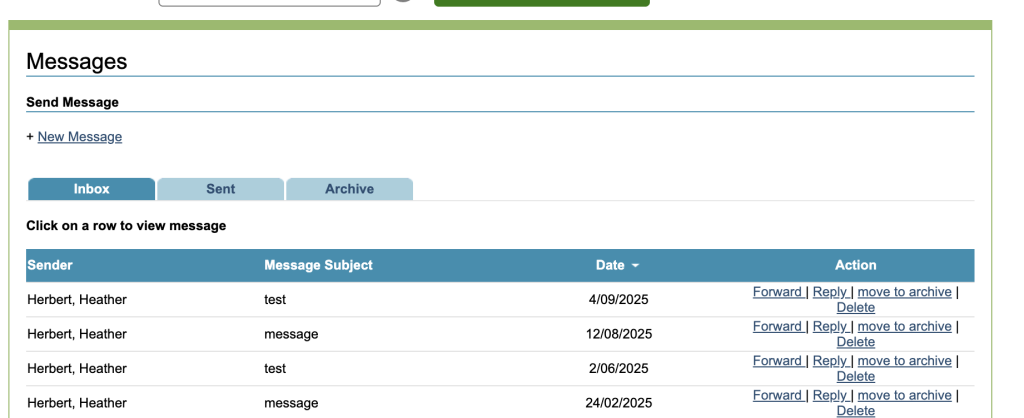
Send Message
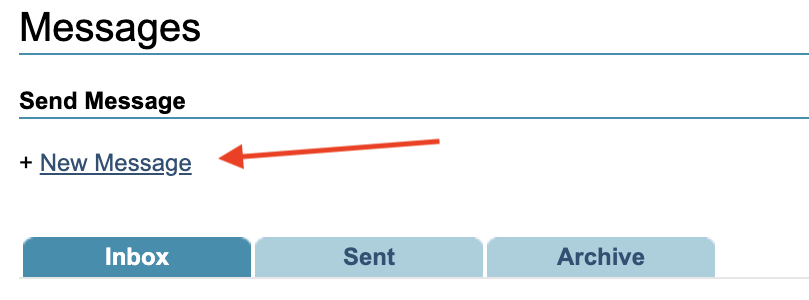
To send a message, click New Message.
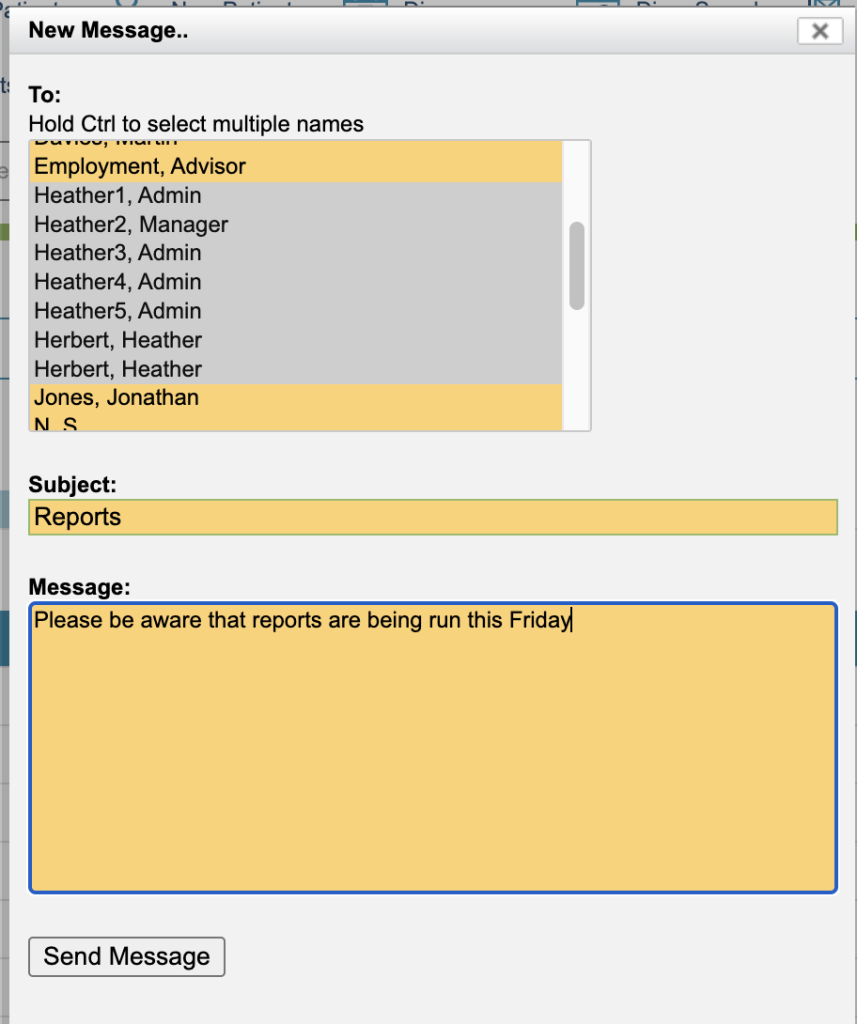
Select the name of the person the message should be sent to. To select multiple people, hold the Ctrl key whilst selecting the other recipients names. Add the subject and the message, and then press Send Message.
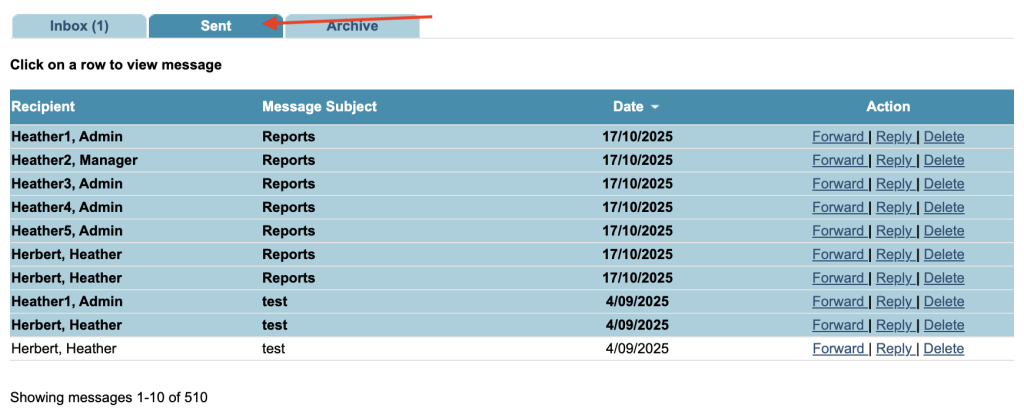
The message will then appear under the sent tab.
Incoming Messages

When you receive a new message, the Messages icon will display a flashing red envelope. The number of unread messages will be displayed in brackets.
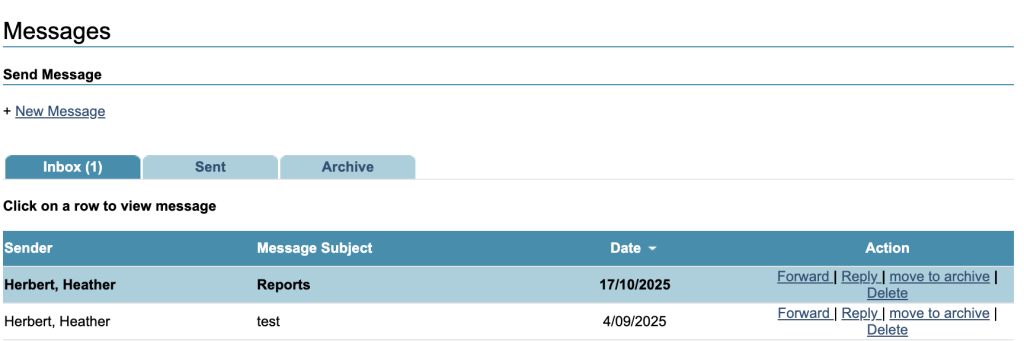
Messages can be viewed in the inbox, and will be shown in bold if they have not been read yet.
Other Options
The following options are available for each message:
- Forward
- Reply
- Move to Archive – moves the the Archive tab. From there you can move back into the inbox
- Delete
Depending on your service settings, the following type of automatic messages may appear:
- Message to a new therapist upon therapist reassignment
- Message to previous therapist upon therapist reassignment
- Message to notify therapist that an appointment has been booked on their behalf