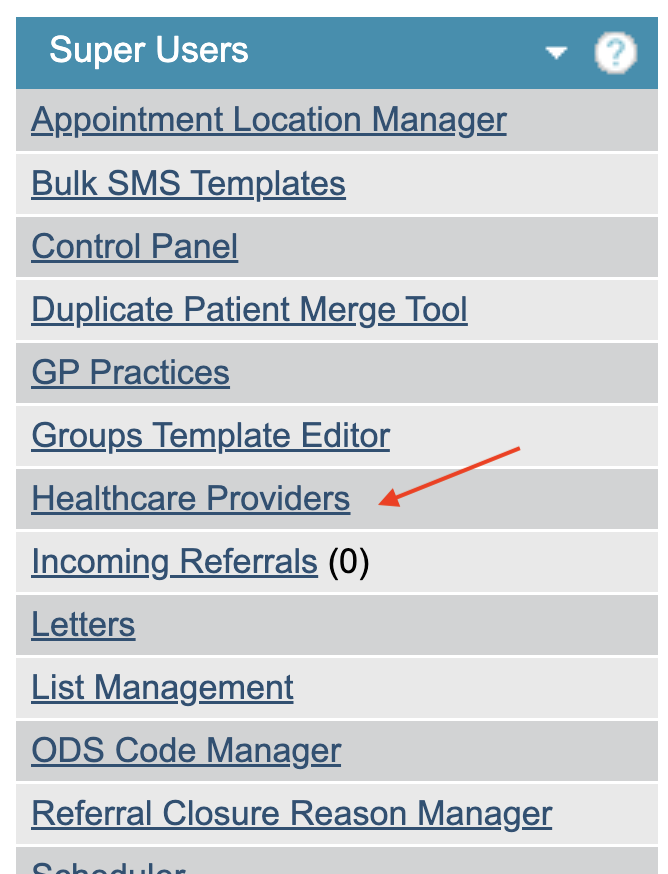
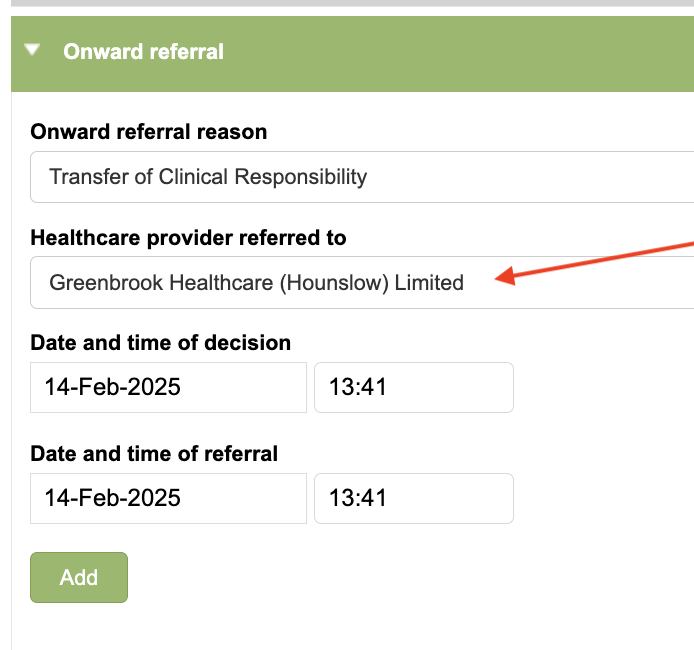
Healthcare Providers is a Superuser option for users to populate the Healthcare Provider Stepped To list within the Care Pathway tab. This field is used if you are stepping a patient up or down to another service.
Adding a New Provider
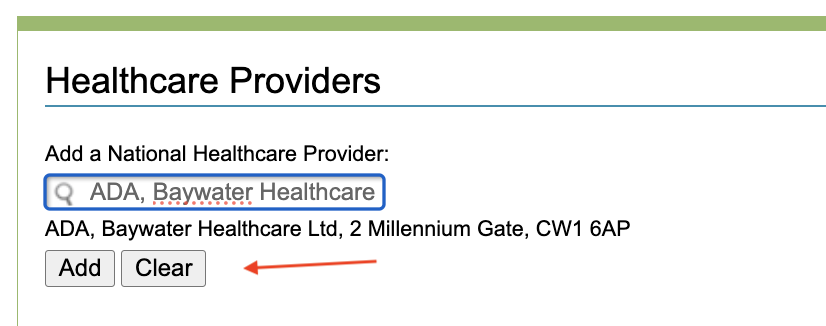
To add a new provider, start typing in the ‘Add a National Healthcare Provider’ search box. Results will appear as soon as you start typing. You can search by code, name, address or postcode.
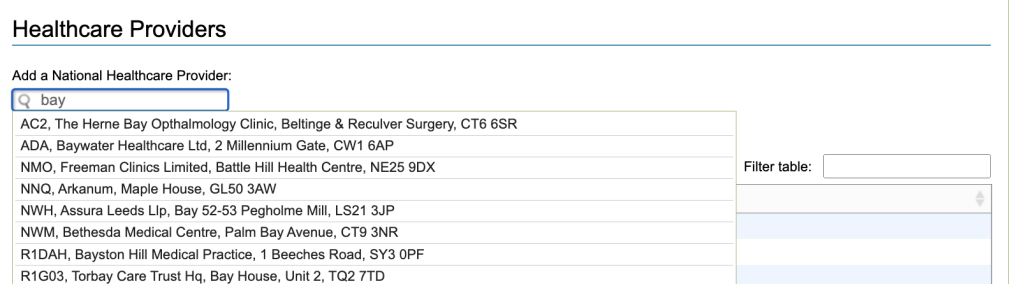
To select a provider, click the provider from the result list. Once selected you can either add or clear your choice.
Selecting clear will remove the provider’s details and cancel this action. Selecting add will add the provider to your list of healthcare providers.
Removing a Healthcare Provider
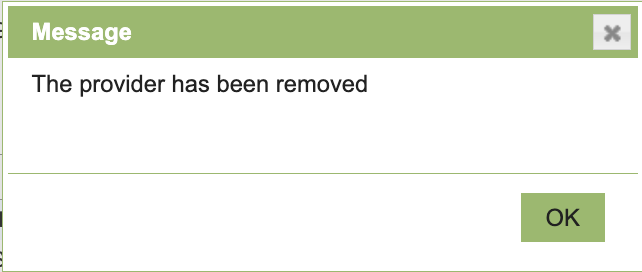
To remove a healthcare provider from the list, click on the name of the provider. The system will ask you if you wish to ‘delete provider’ or ‘cancel’ your action.
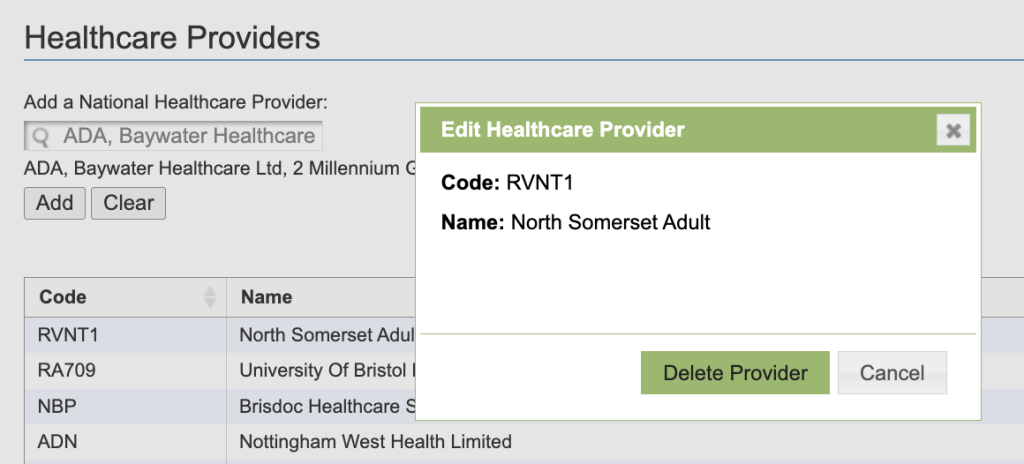
Select cancel to cancel your action or delete provider to confirm your action.