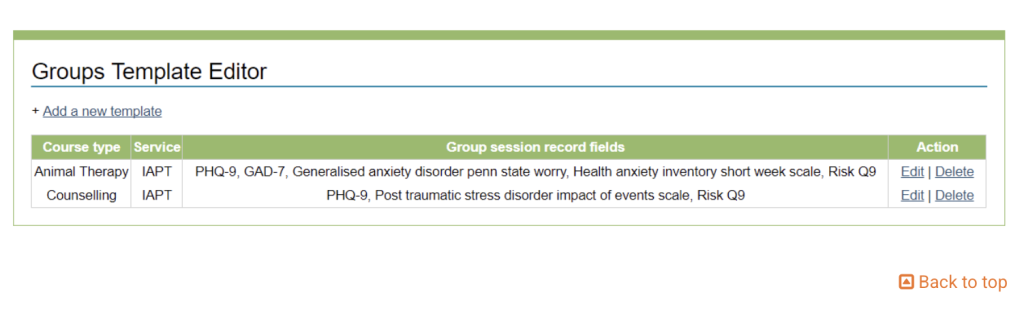
Groups Template Editor allows Superusers to set up and manage Group Templates.
Superusers choose the information collected in each group type, including:
Select which scores they want to be recorded within that template
Decide whether the group will be IAPT or non-IAPT
Choose a step intensity for the group
When you click on Groups Template Editor, a list of all existing groups will be displayed
You can Add a new template, or Edit or Delete a existing group template.
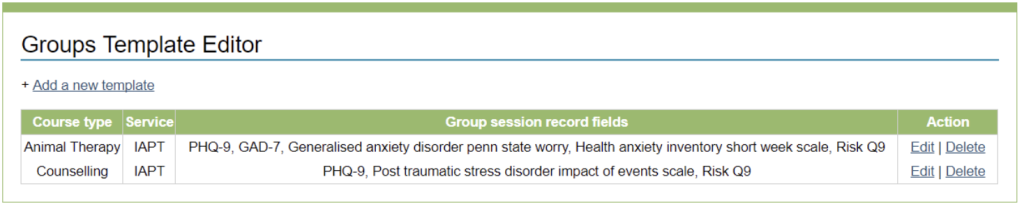
Creating a New Group Template:
To create a new group template, click on ‘Add a new template’.
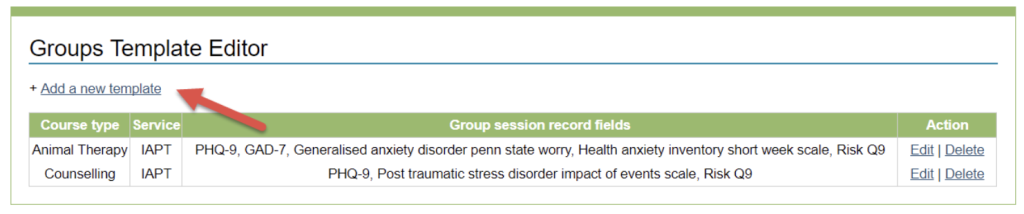
Complete the new group template from and ensure you give the group template a name and select the type of appointments included in the group.
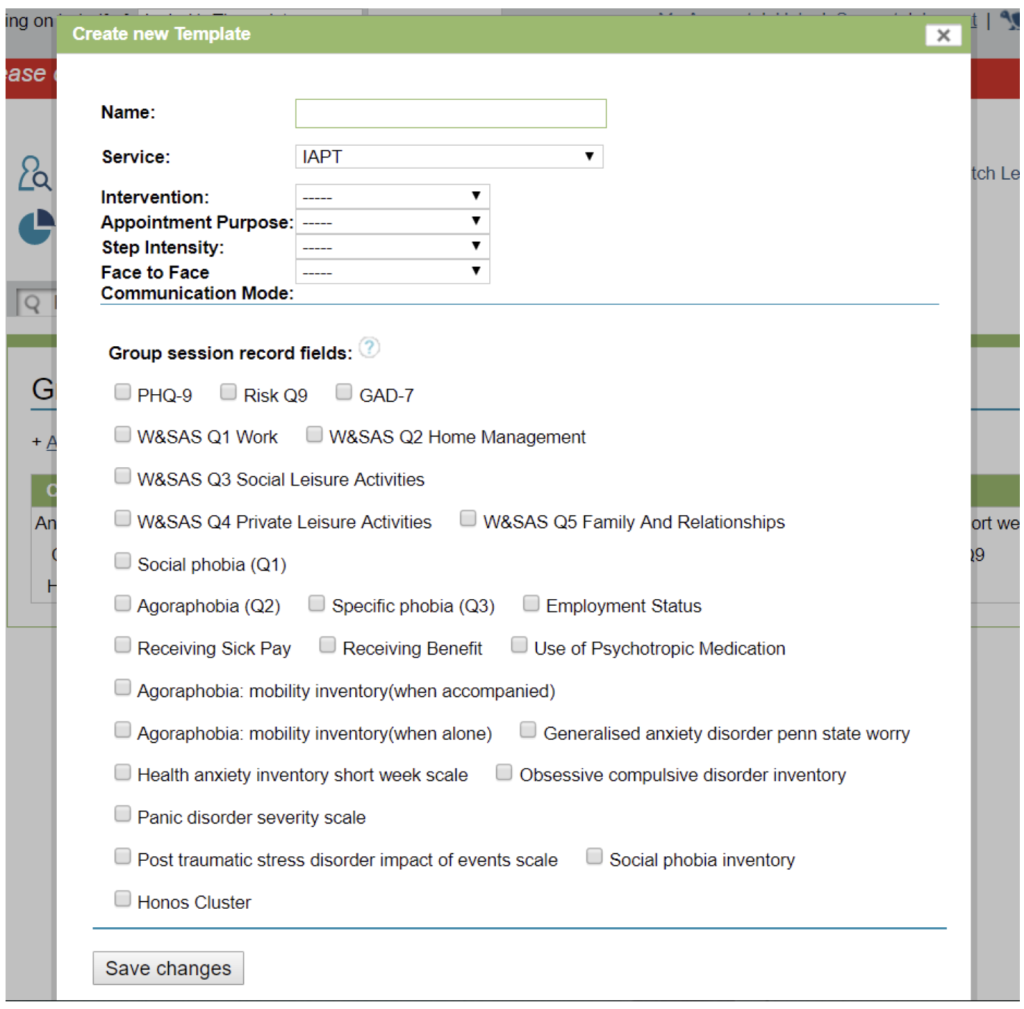
Choose which scores are recorded about the attendees per session by ticking the appropriate boxes. These will act as a guide for the user who creates the group sessions, but they can be changed per group, if needed.
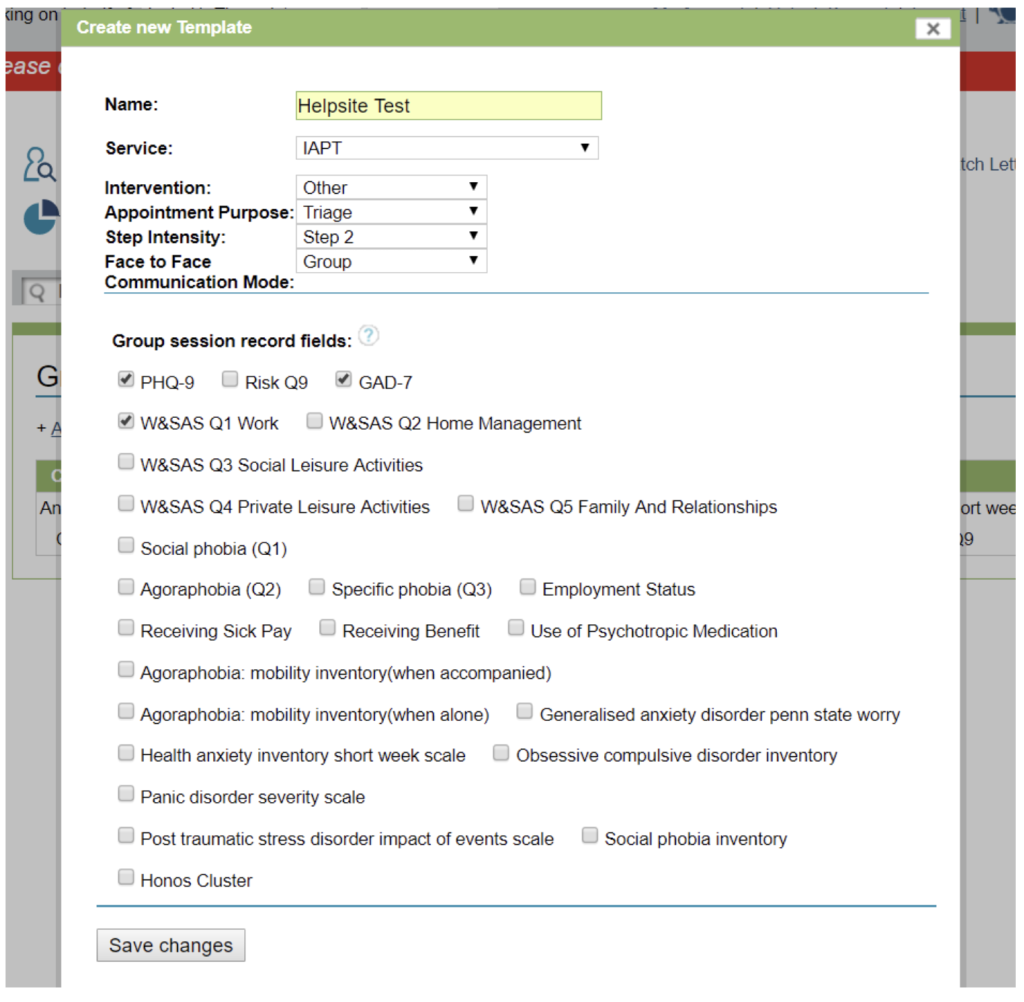
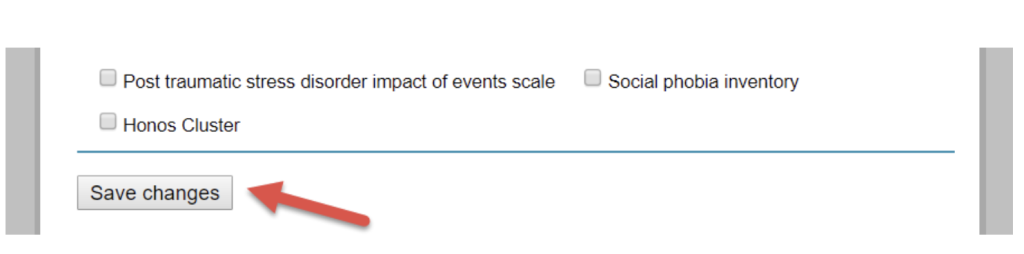
Once complete, select Save changes.
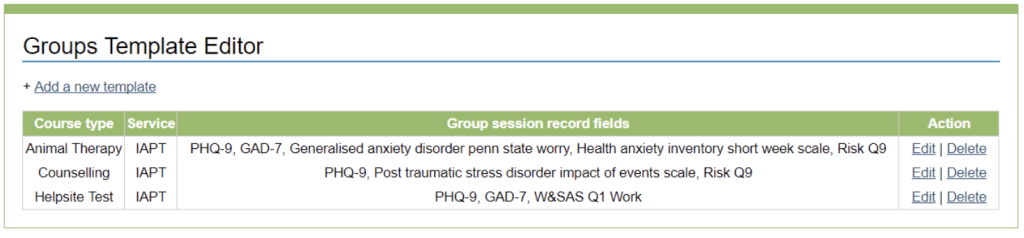
The template will then appear in the list of group templates. A reminder will appear in the top right-hand corner letting you know that your group template has been created.
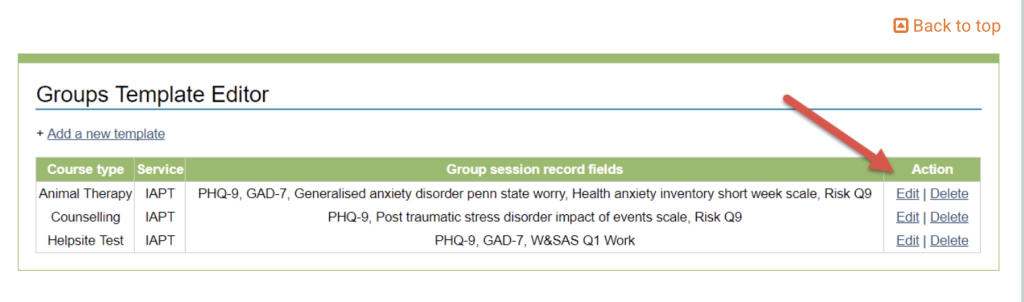
You can ‘Edit’ or ‘Delete’ a group template by clicking on the options on the right-hand side.
Editing a Group Template
Select Edit on an existing template to edit the information that has been previously entered.
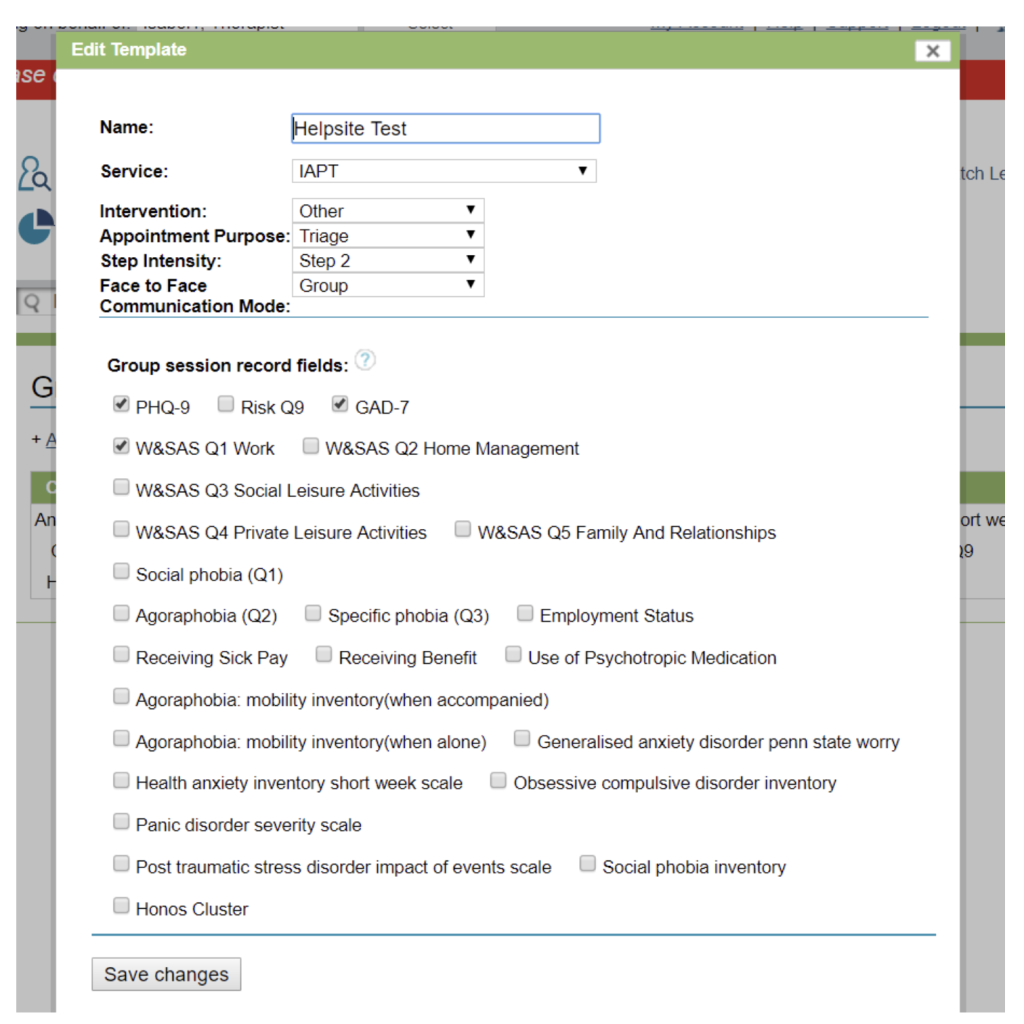
Remember to save the changes when you are finished.
Deleting a Group Template:
Select Delete to delete the group template. A message confirming your action will pop up before the group template it deleted. Click OK to confirm you action or Cancel to cancel your action.
After selecting OK a confirmation will appear in the top right-hand corner of the page.
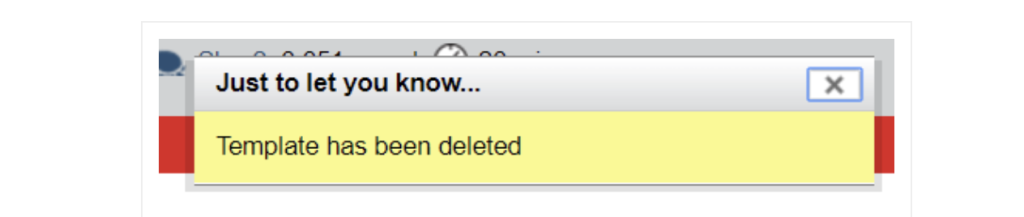
Your group template will no longer appear in the list of group templates.