The Patient Record vs Multiple Referrals
A patients information consists of 2 parts. The Patient Registration and the Referral/Episode
A patient only needs to be registered once within iaptus and then multiple Referrals/Episodes can be added against it.
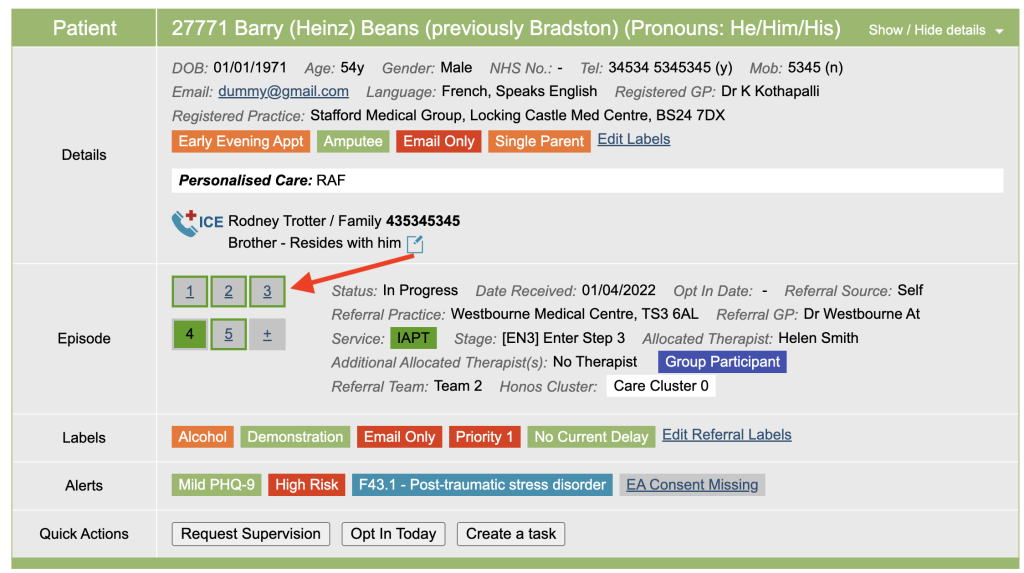
When you view the patients boarding card, multiple referrals can be viewed by click on the referral number, shown below. To add a new referral, click on the plus sign.
The Patient Search
The Patient Search is found at the top of the screen and can be used to find a patient quickly or use to do a quick check to see if the patient is already within iaptus before adding them from scratch.

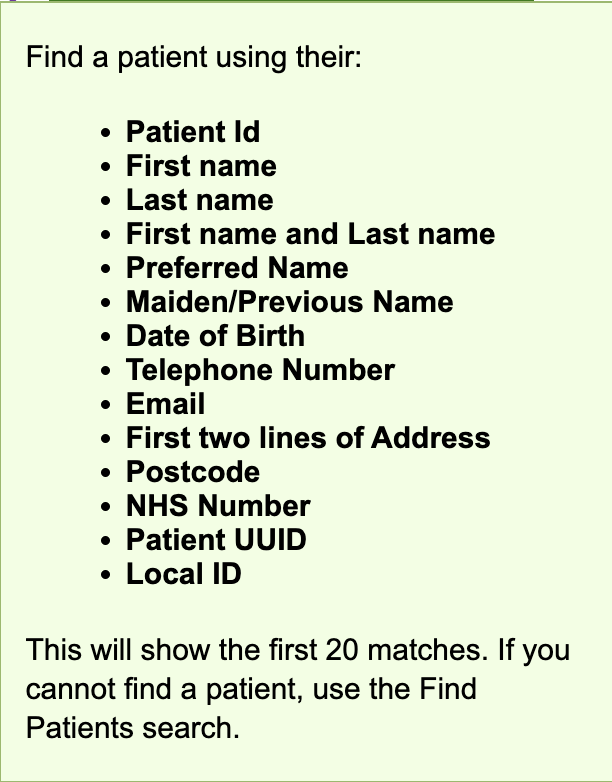
You can search for a patient by using many different means, which is listed in the Tooltip, shown below.
To carry out the search type in the required patients details, the first 20 closest matches will appear in a table below, This will list the ID, Name, Date of birth and address
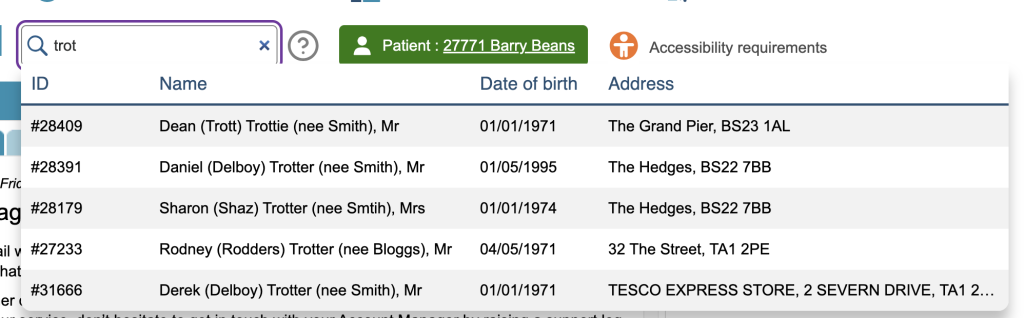
When you hover over a row, it will highlight, you can then click on the row to jump into the record.
If you are unable to locate the patient using the quick search, it may be that they are not currently registered on your system, and you will need to add them via the New Patient button in the Icon menu.
For more advanced searches, you will need to go to the Find Patients area of the Icon Menu.
Selected Patient
The Patient that you currently have selected is displayed next to the Find Patient Quick Search.

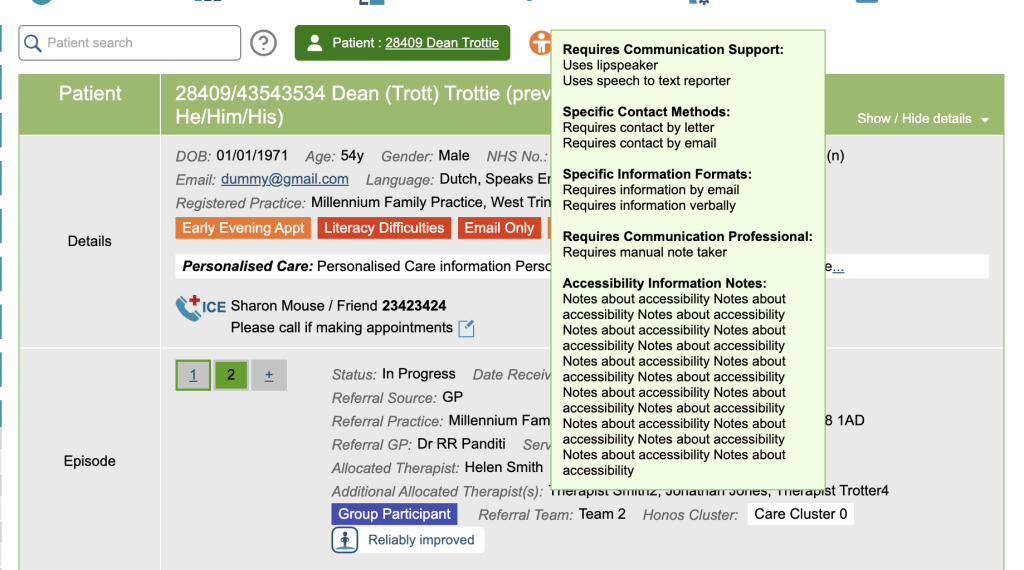
If the Patient has and Accessibility requirements, a orange icon will display to the right. When you hover over it, the requirements will be displayed, show below