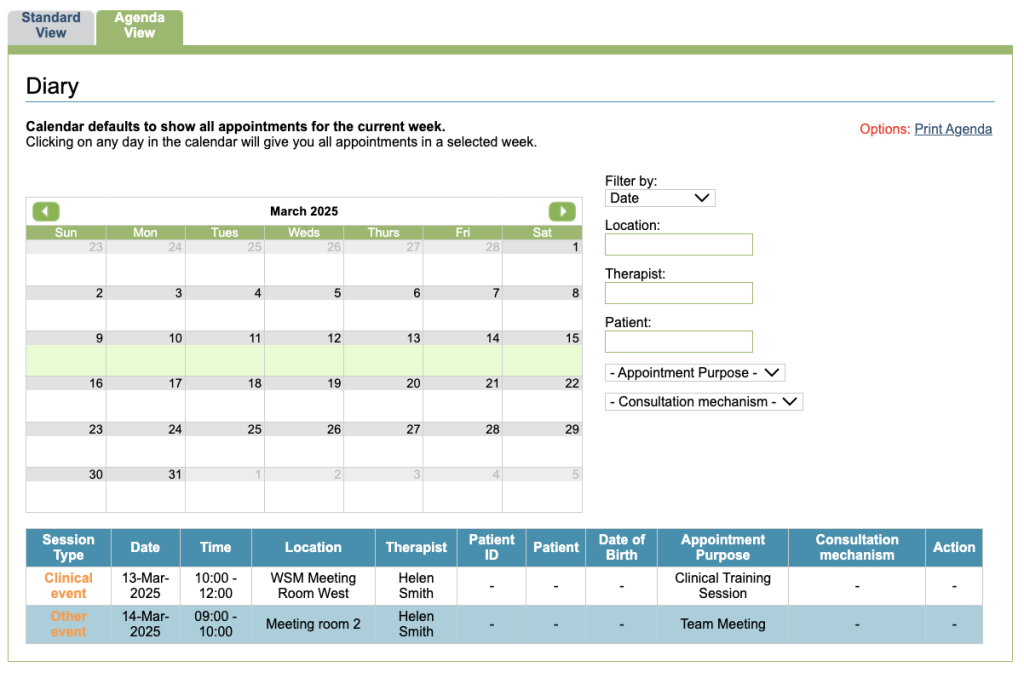
Adding other events
Non-patient events can booked into the diary. These are categorised as Other Events and do not require availability to be allocated prior to booking.
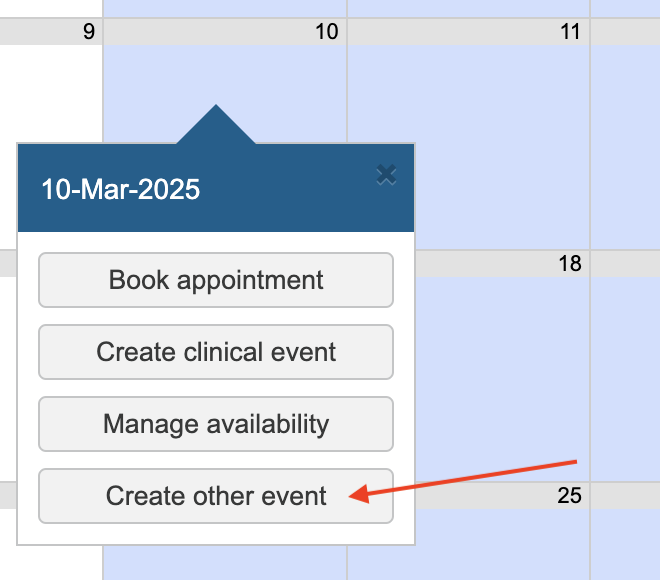
To add an other event, click on the day you wish to add the other event for. This will display a pop-up. Select the Create other event option.
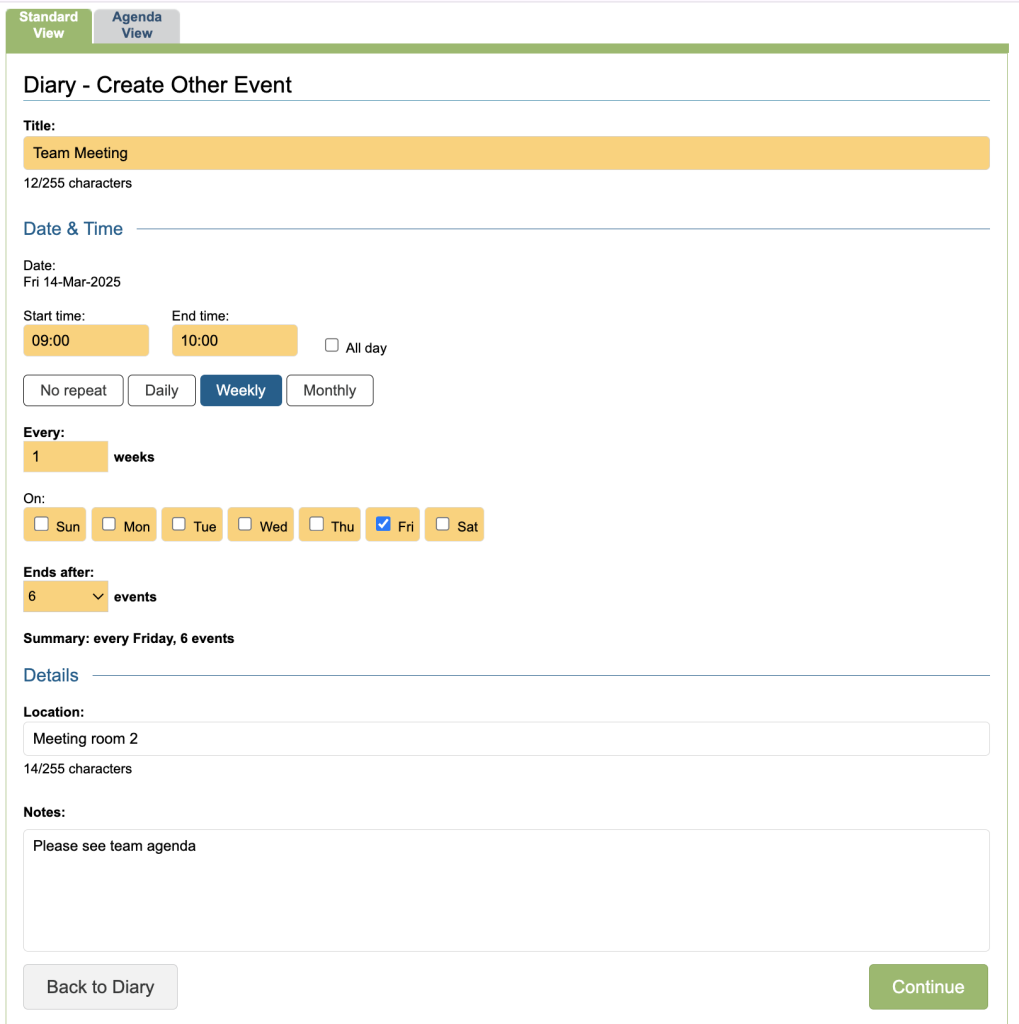
Details of the event can then be entered.
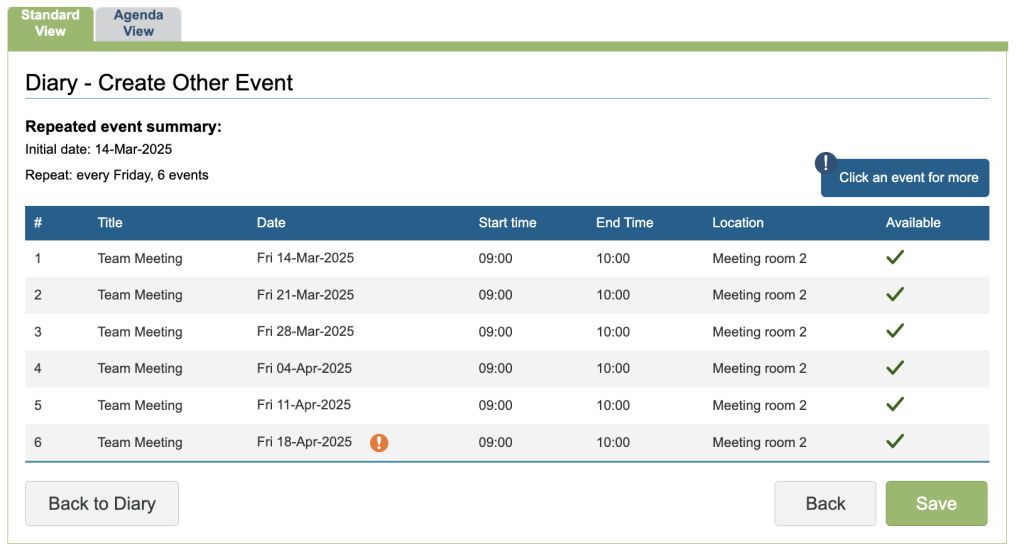
Click on the Continue button to see a list of all events and if they can be booked.
Once saved, the event will appear in the diary in purple, and you can hover to view more detail.
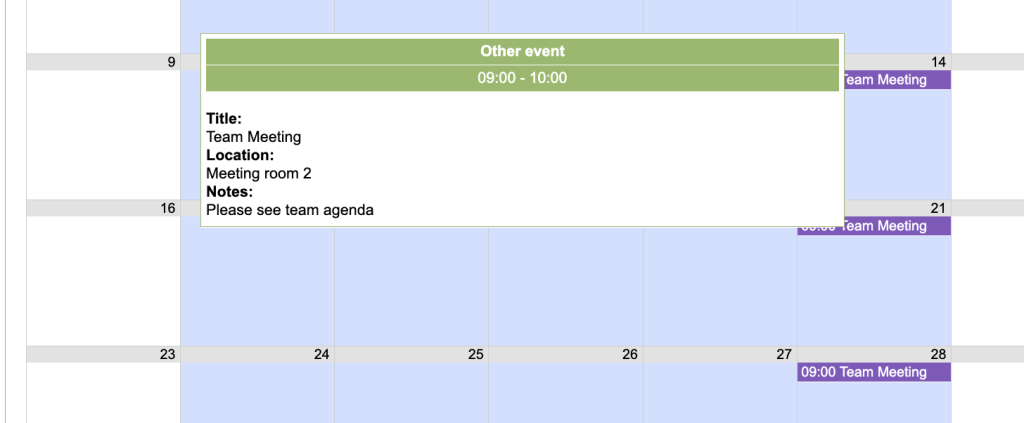
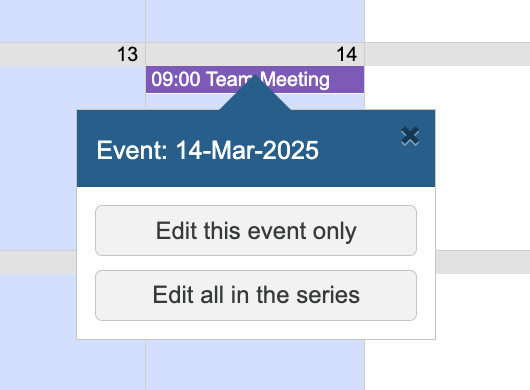
To edit or delete the personal event, click on the entry in the diary and choose to Edit just the Event on that day or all the Events in the series.
Clinical Events
Clinical events which do not relate to individuals registered within iaptus can also be booked into the Diary. These are categorised as ‘Clinical Events’ and do not require availability to be allocated prior to booking.
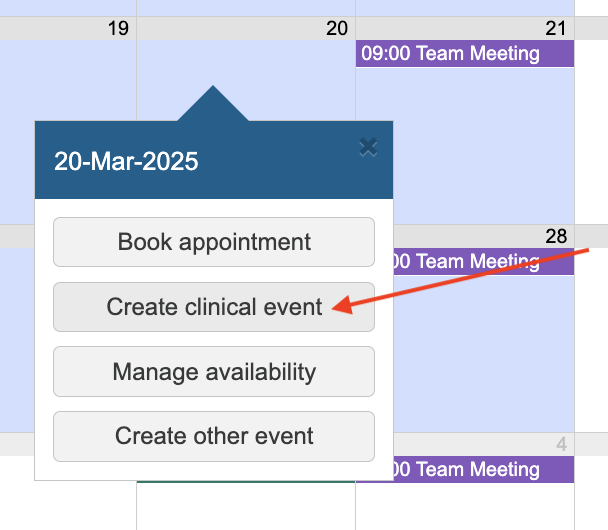
To add a Clinical Event, click on the day you wish to add the Event for. A pop up will be displayed; you need to select the Clinical Event option.
(If you are a CYP Service and need to collect information for the 301 report please refer to CYP Recording & Report on Clinical Events.)
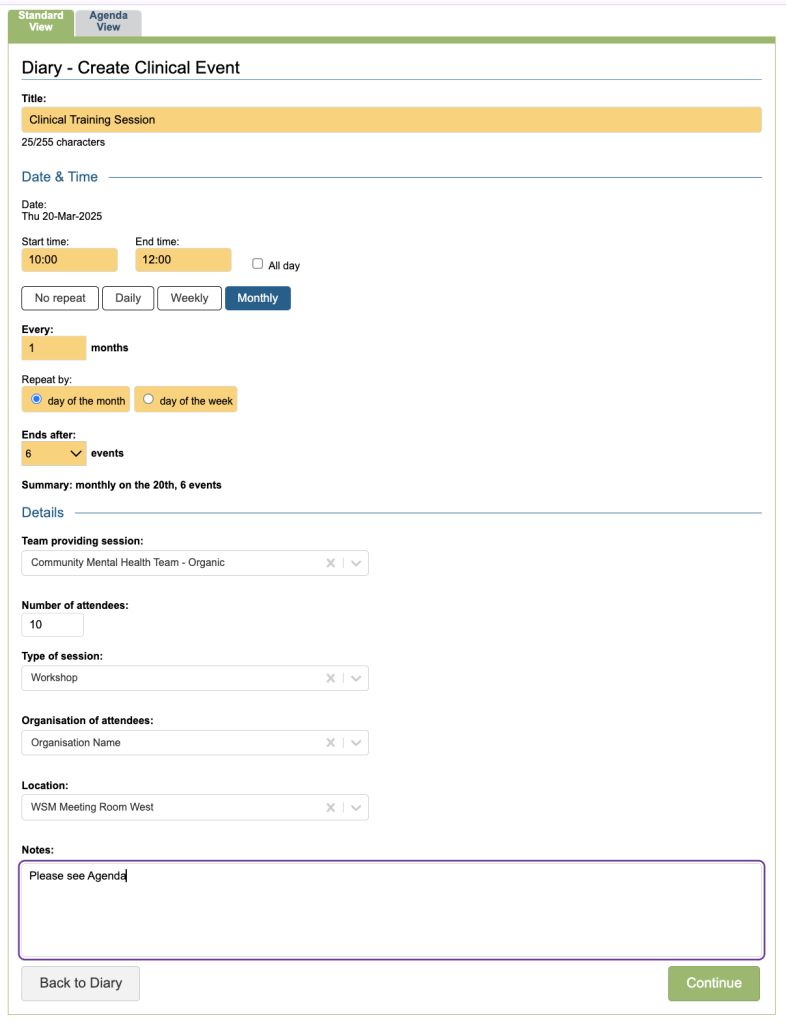
Details of the event can then be entered.
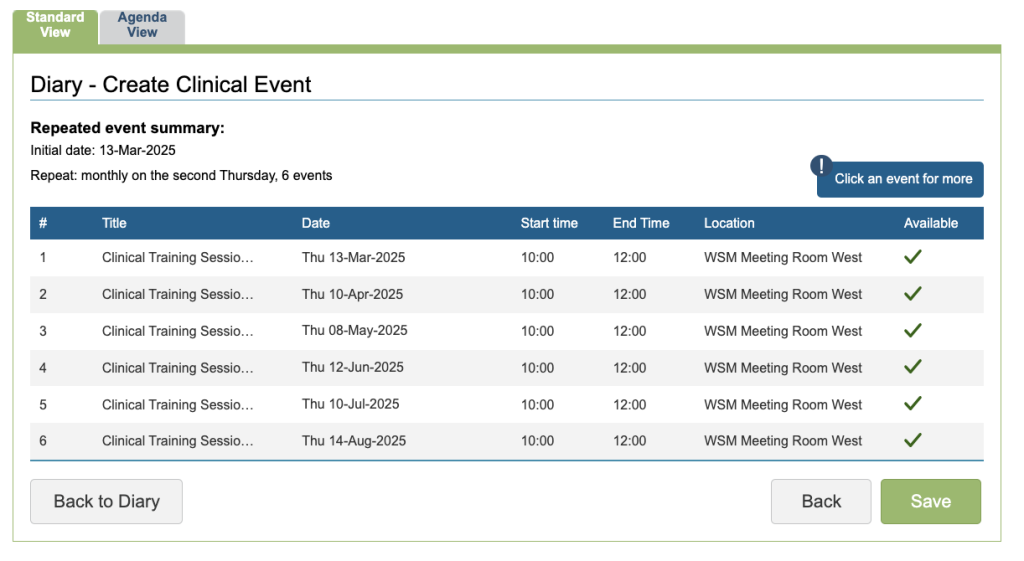
You will see a table listing the scheduled events and their availability status.
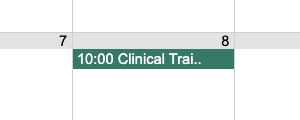
When you have added the Clinical Events to the Diary, they will be indicated in the Diary as a dark green entry.
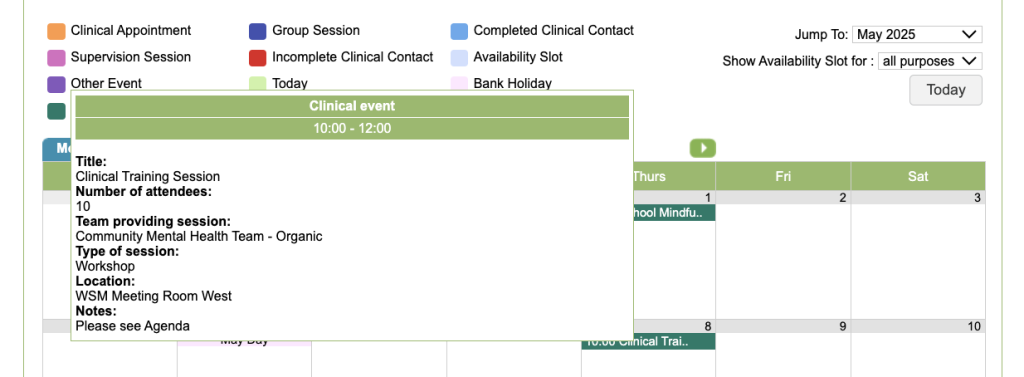
You can see more detail by hovering over the entry.
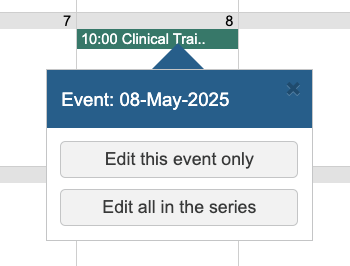
To edit or delete the clinical event, click on its entry in the diary and choose to Edit just the Event on that day or all the Events in the series.
You will see Clinical event entries in the Agenda view where you can also view Events and Patient Appointments.