
The calendar will default to the current month or week. This can be changed by using the Monthly View, Weekly View and month selector at the top of the diary.
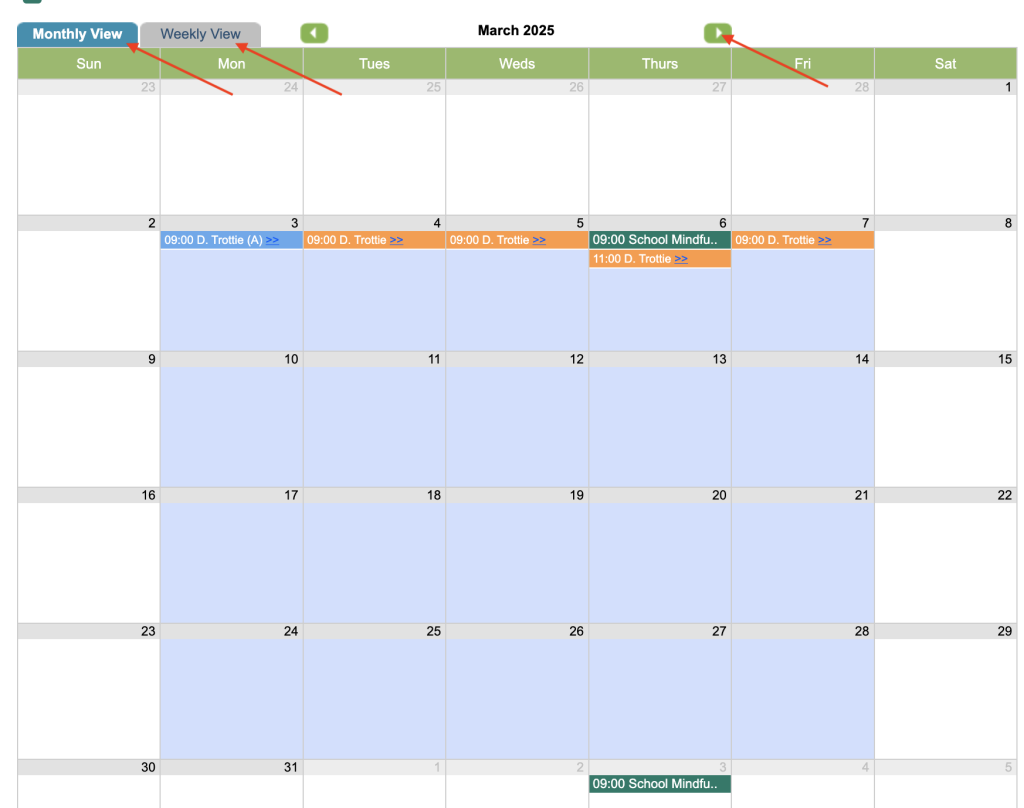
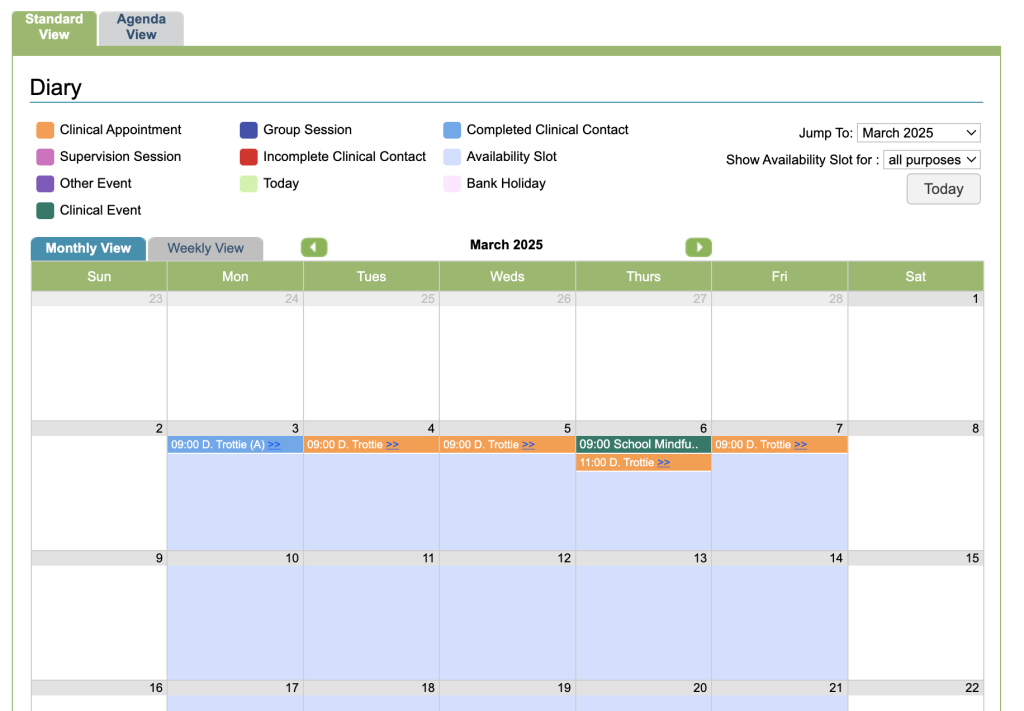
Monthly View
The Monthly view breaks down by month and day. There is a key at the top to explain the diary.
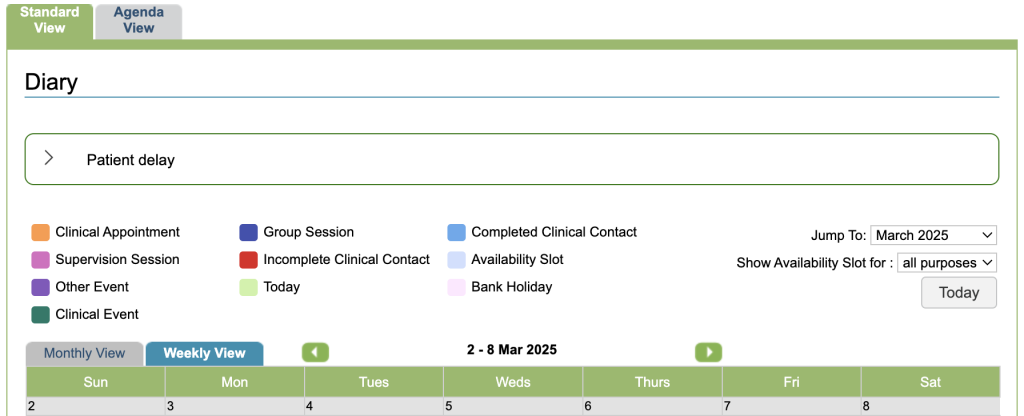
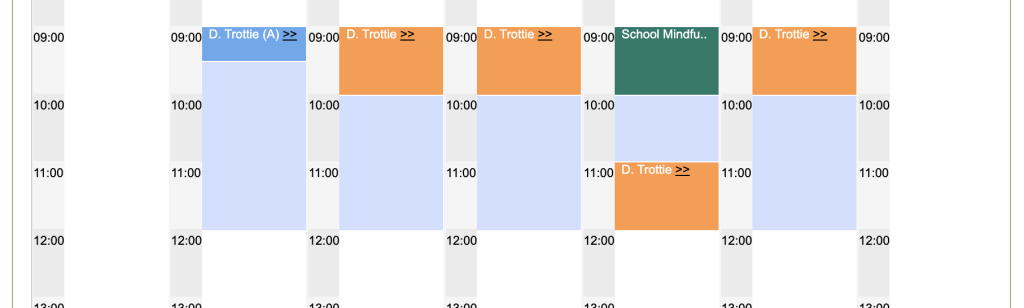
Weekly View
The weekly view breaks down by day and hour. There is a key at the top to explain the diary.
Agenda View
Agenda view shows a list of appointments. This defaults to show all appointments for the current week. Clicking on any day in the calendar will show all appointments in a selected week, displayed in a table underneath the calendar.
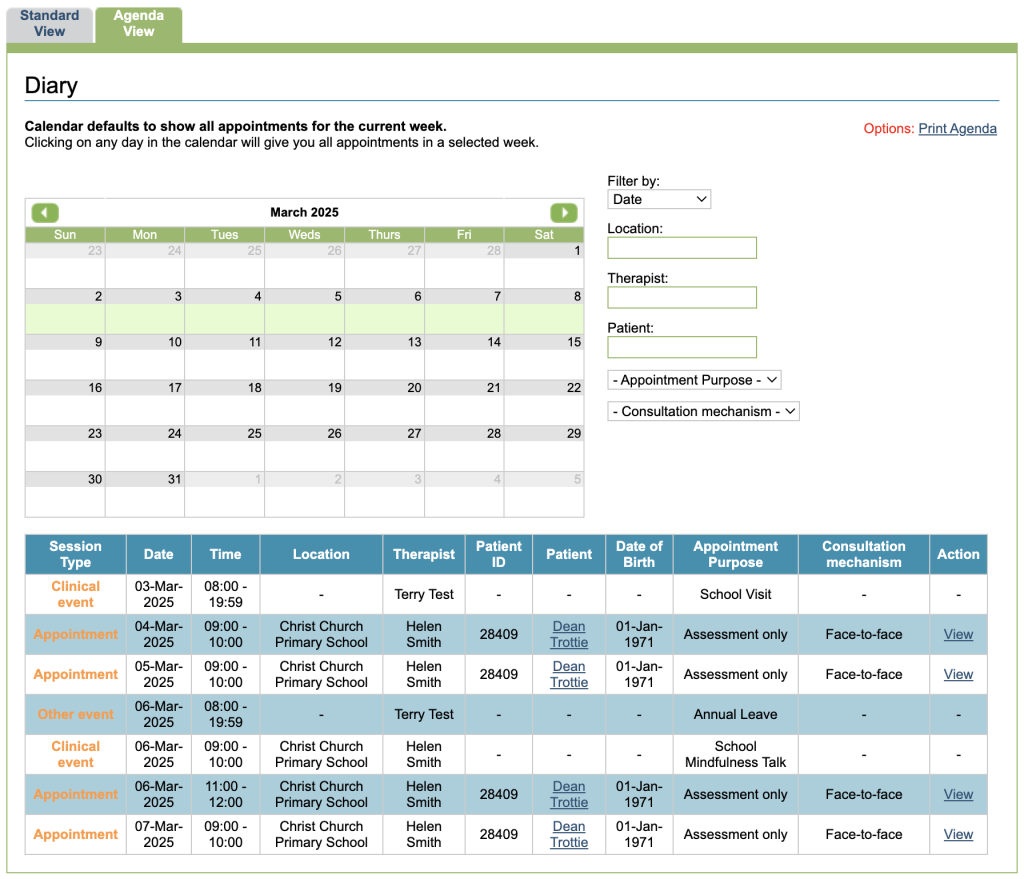
Therapists can use Agenda View to see the appointments of other therapists. This can be changed by superusers in the diary area of the control panel.
The Agenda View has a number of filter options to limit the results. The displayed list can also be printed.