
The diary search section of the icon menu is one of two diary areas in iaptus, the diary being the other option.

The Diary Search allows you to perform a search across the whole of your service to find availability slots to book and appointment in.
Its also allows you to focus you search by using filters.
Searching for Availability
Select the patient that you want to book an appointment for, either using patient searches or clicking on the patient in the My episodes list.
The selected patient should now appear in the selected patient box at the top, next to the Patient search box.

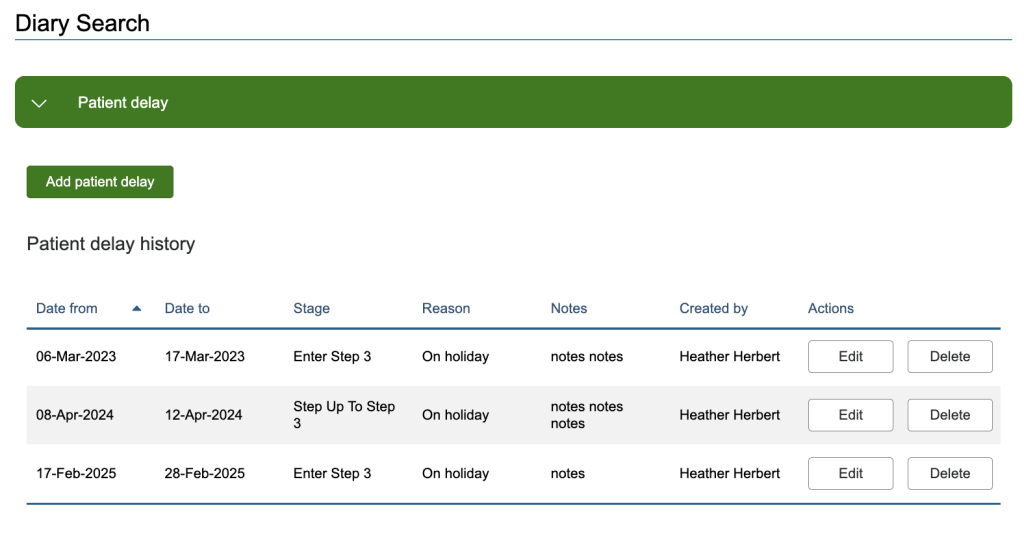
When you select Diary Search, the first section will be the Patient delay, if expanded, it will list the currently select patients delays, past and future.
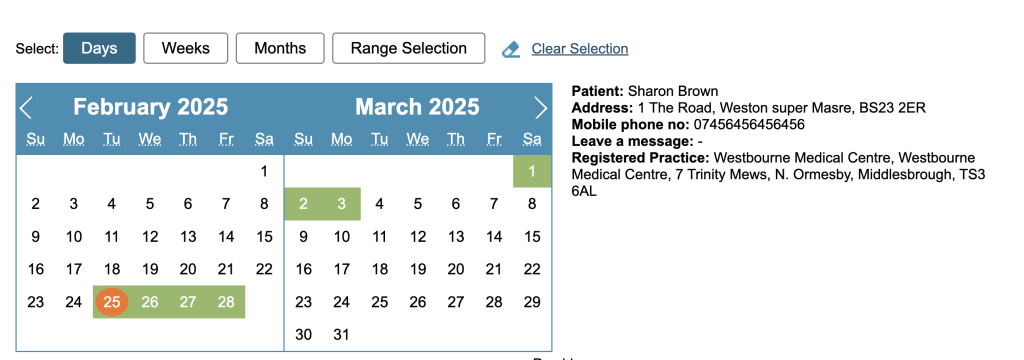
Next will be a calendar showing 2 months at a time and the selected patient on the right.
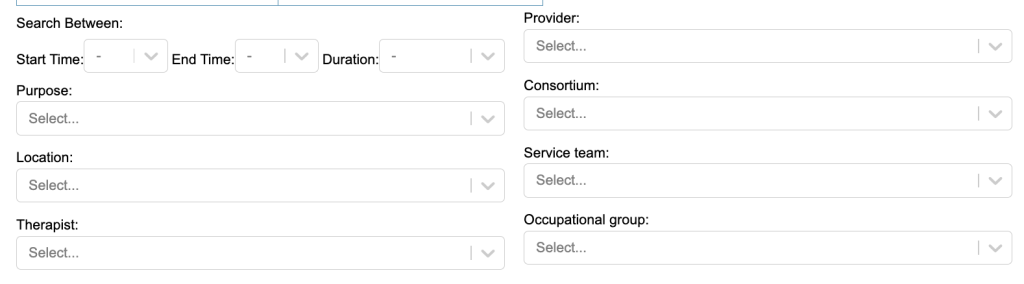
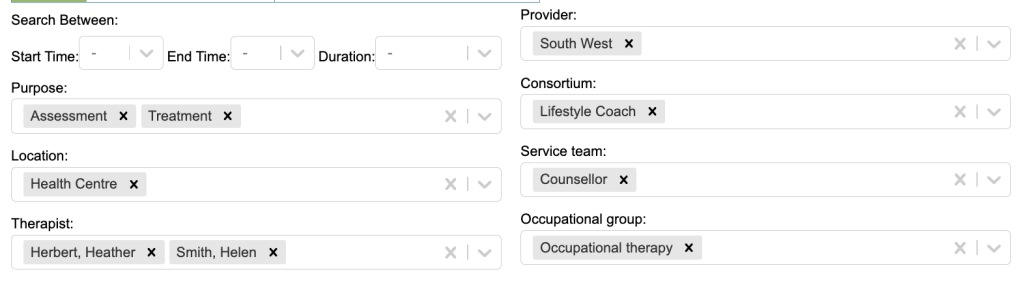
below this will the some filtering options
Searching for Availability
You search for a date or dates range using the buttons above the calendar. T here is also a Clear Selection option, that will reset you search

Days – will allow you to select/deselect individual days
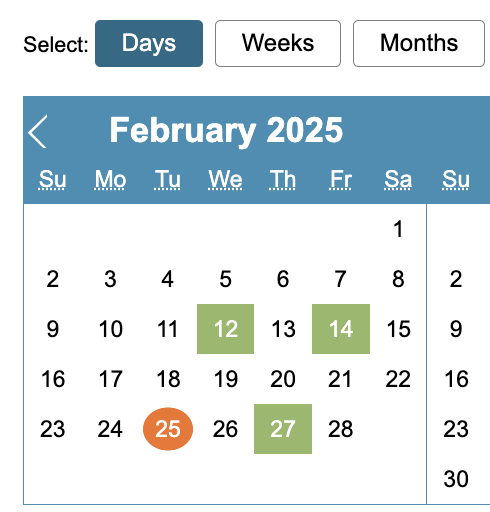
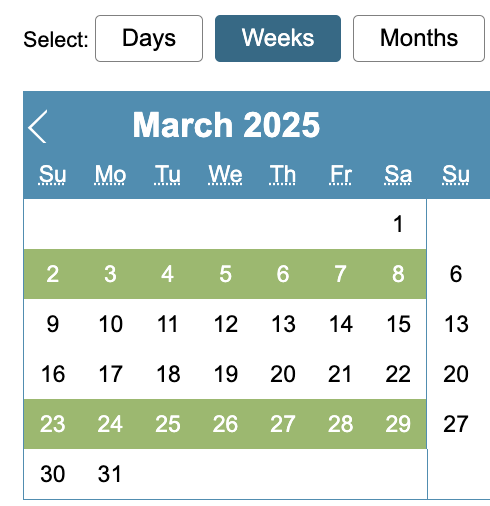
Weeks – will allow you select/deselect whole weeks
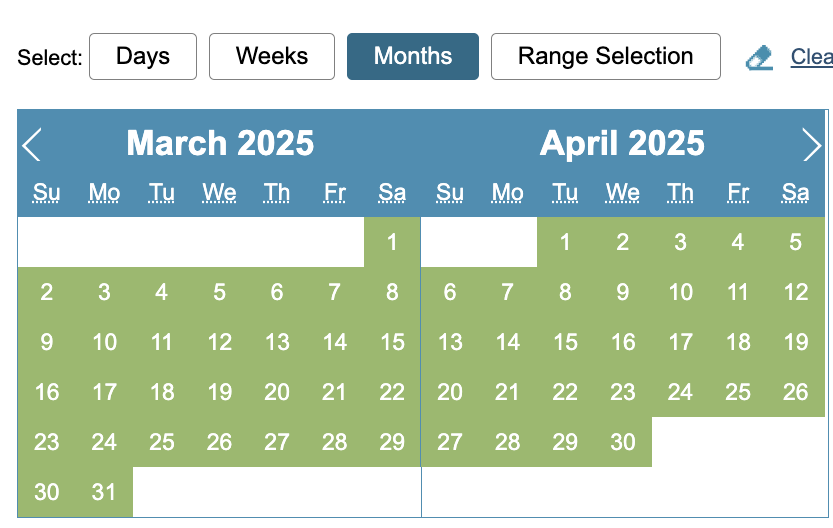
Months – will allow you to select/deselect whole months
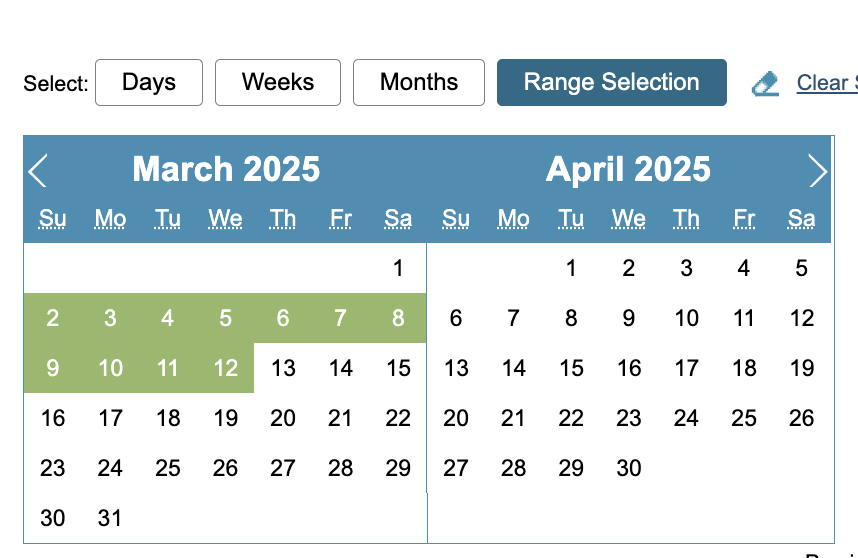
Range – will allow you to select/deselect a date range by clicking on the first required date and then clicking on the last required date
You can use a mixture of the filter options to search for the required availability
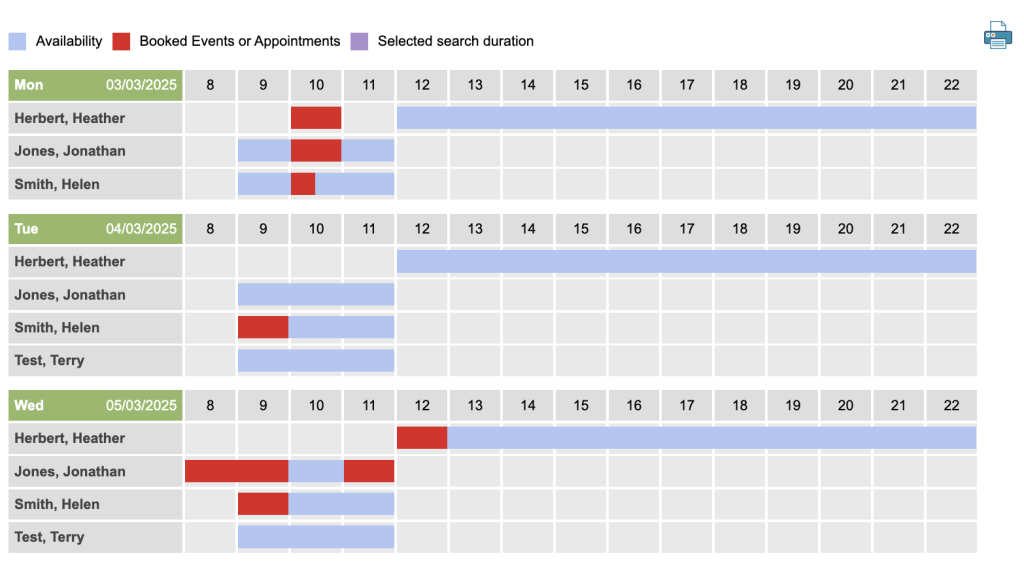
Results will appear at the bottom as a table. It will list by Date and then under the date will be a row for each therapist that has availability. To the right is the availability broken down by hourly time slots. You will also see a key explaining what the colours represent. Red – Booked, Blue – Availability and Lilac – Selected duration (taken from the Start and End Time).
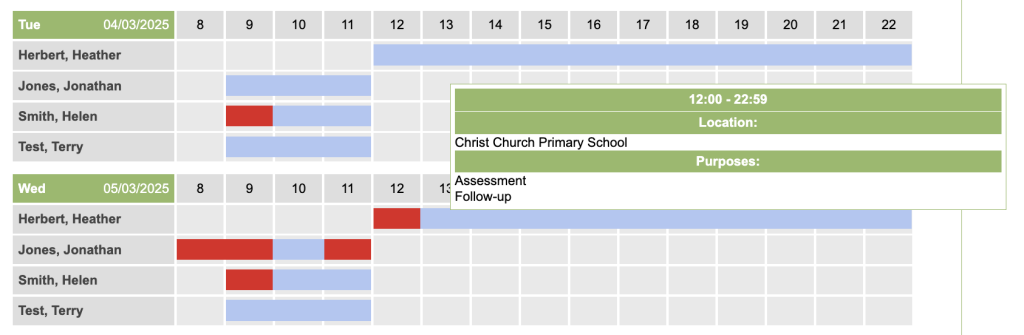
When you hover over a particular availability slot it will display a popup with the slot details.
You also have an option at the top to Print this table.
To book an appointment, click on the required availability and the booked appointment window will be displayed.