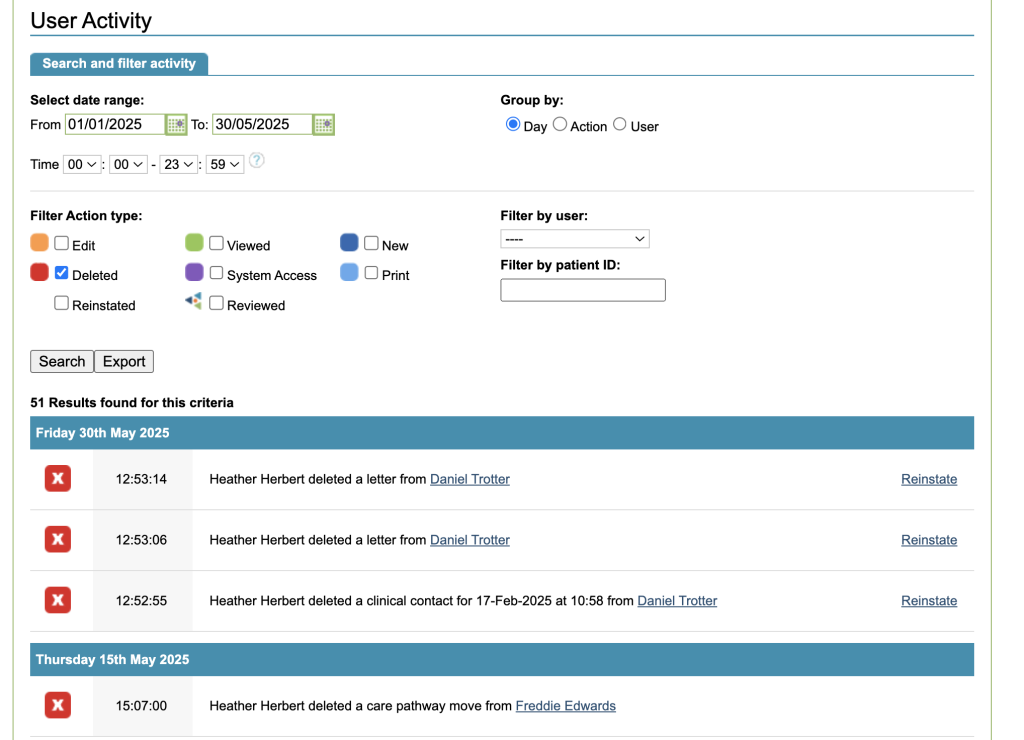
Patient records
Superusers can delete a patient if there are no treatment episodes for that patient. If the patient has treatment data, and potentially clinical contact data too, this will need to be deleted first. If the record is a duplicate patient, the records can be merged by a Superuser, using the Patient Merge tool.
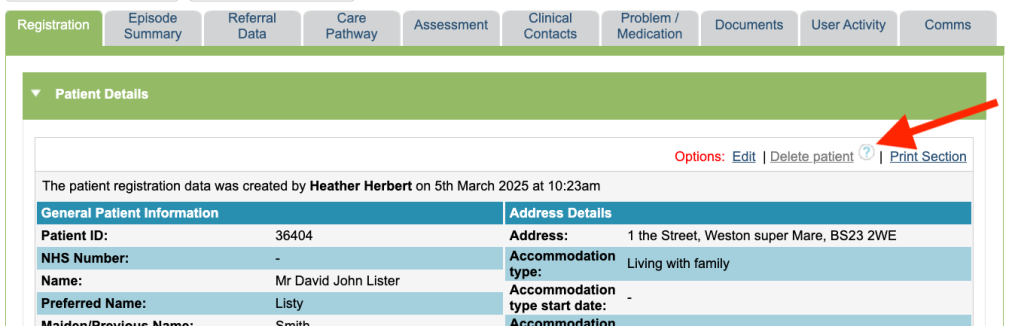
Patient referrals/ episodes
Superusers can delete a treatment episode if there are no clinical contacts, appointments or questionnaire data relating to that episode.
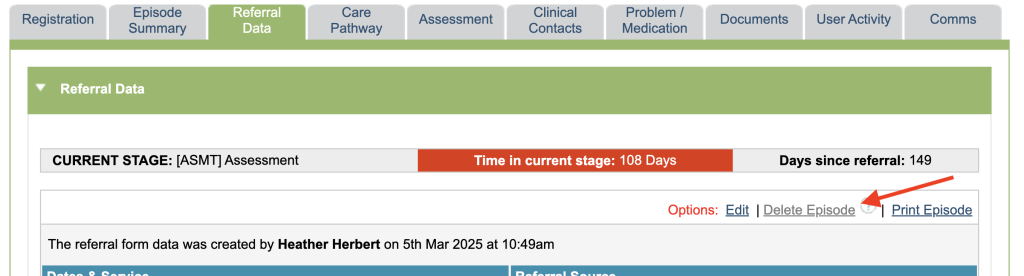
Appointments
Appointments can be deleted by all users (admin and therapists, regardless of Superuser rights or not) through the diary by clicking on the appointment.
Sessions/contacts
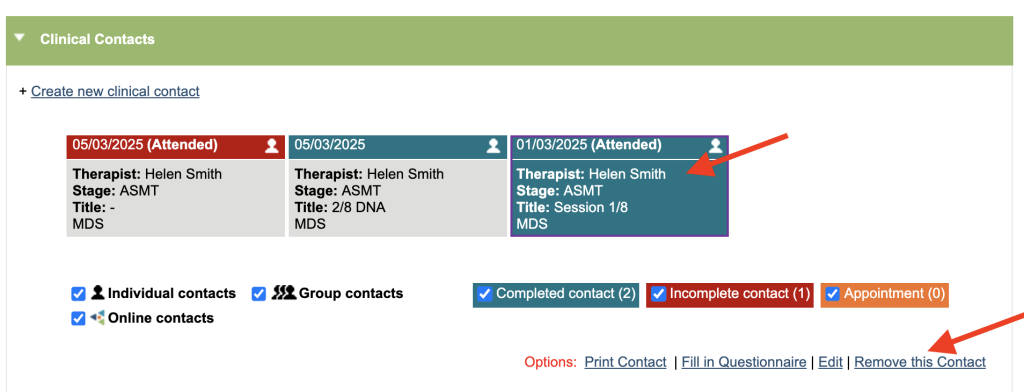
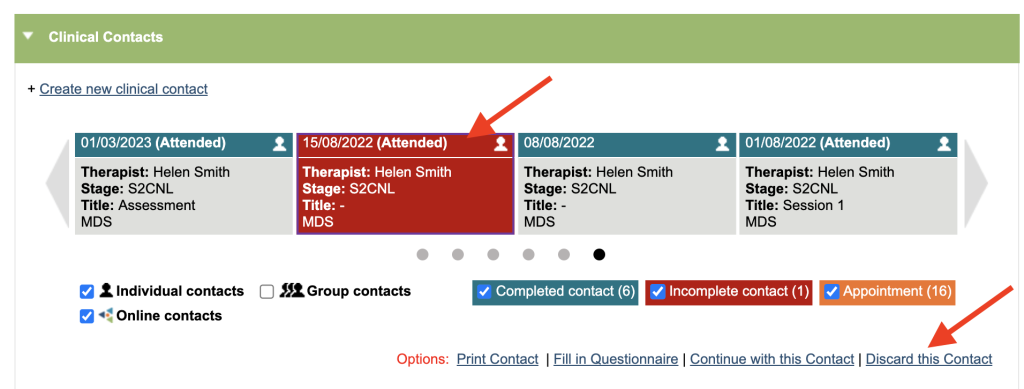
Superusers can delete completed contacts. A user without Superuser rights can delete their own incomplete contacts by using the discard function.
Questionnaires
Superusers can delete questionnaires.

Documents
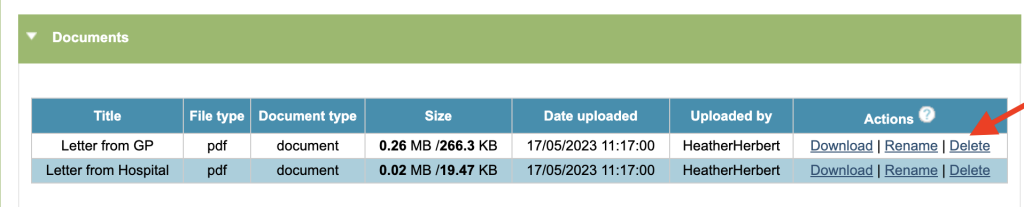
Superusers can rename or delete upload documents. Other users can delete and rename documents for 48hrs after the document is uploaded.
Letters
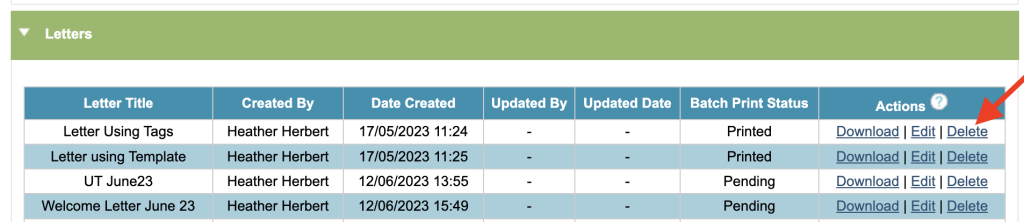
Superusers can edit or delete letters. Other users can see the delete and edit options for 48hrs after the letter is saved, or until the letter is printed by admin staff, if it is save to batch printing and printed within the 48hr period.
User Activity Tab
The user activity tab allows you to search activity against the patient record. This acts as an audit of what has been deleted.
A superuser has the option to reinstate deleted items.
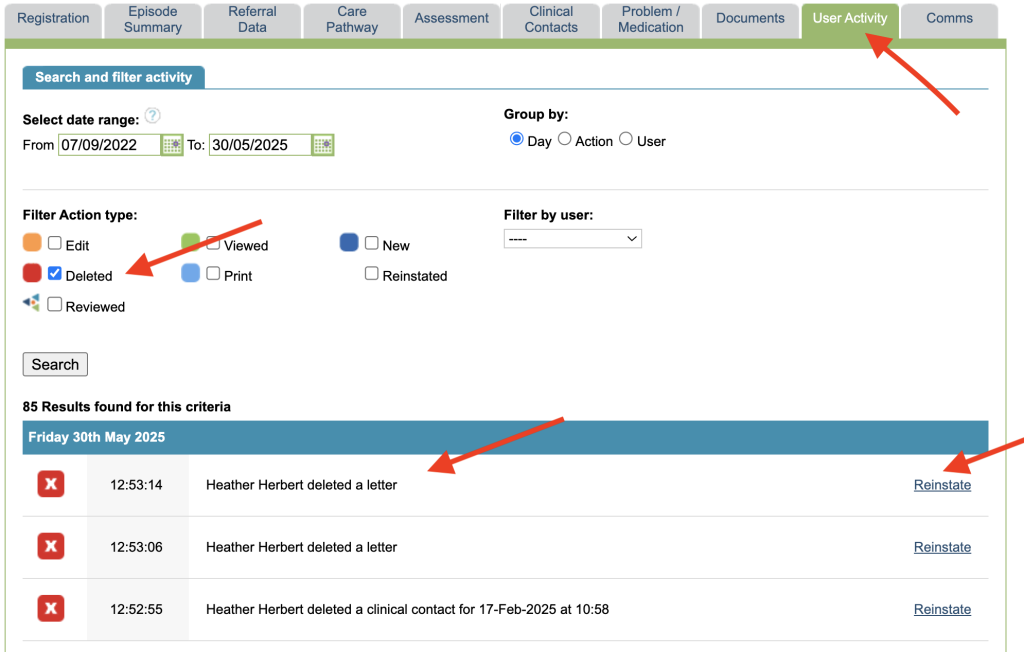
Superuser – User Activity
A Superuser can access a User Activity tool through the Superuser menu, this allows them to audit activity across the whole of the service. They have the additional ability to search by the Patient ID and Filter by a particular user.