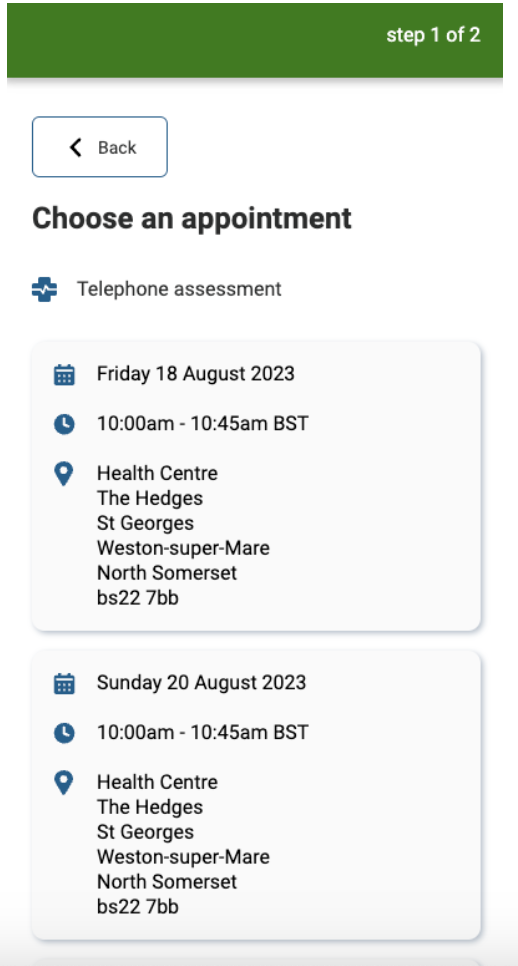
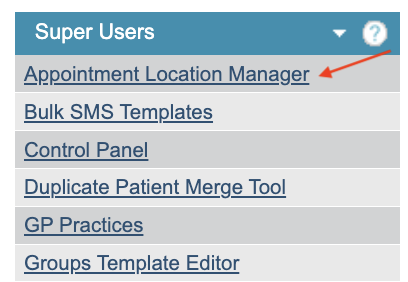
The Appointment Location Manager can be found within the Superuser menu. It allows a Superuser to update the locations and location addresses for the online Appointment Booking feature. The location values are added and mapped through the List Management tool.
When selected, you will be presented with a list of added locations.
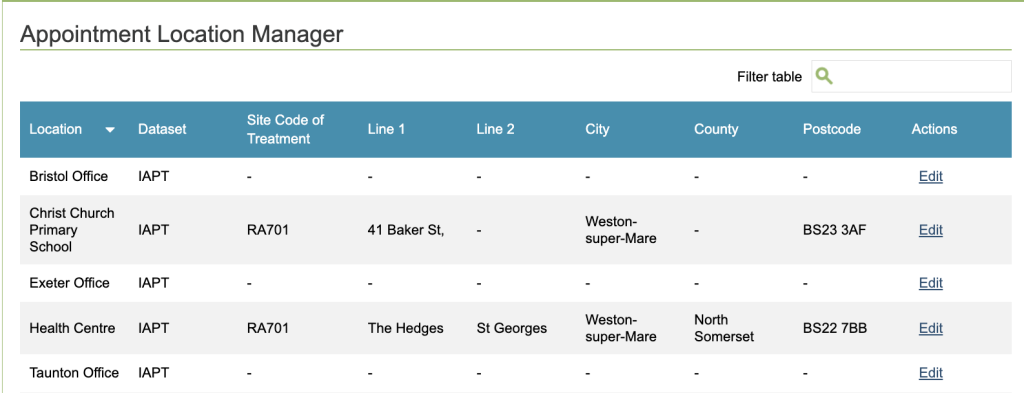
Click on any of the Locations to Edit the Location, add a Site code of Treatment and update the address.
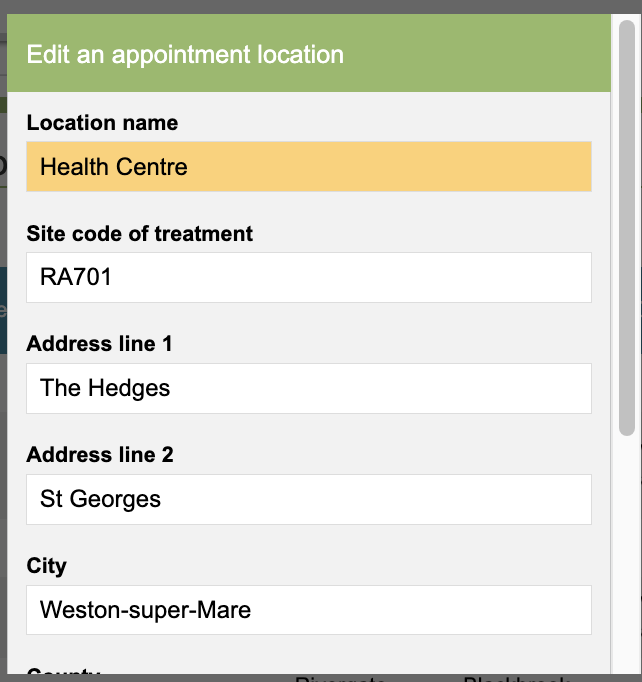
This address will be displayed to patients who book an appointment through the Online Appointment booking feature. Therapists can assign a location to the appointment when they book availability in the diary.
Note: The address will show on the booking link as long as the address has been activated in the Appointment Booking Broadcast rules – please raise a Support log if you would like for more details.